Troubleshoot Bluetooth Proximity Failures During iOS-Android eSIM Transfers

Samsung Galaxy Z Fold6
12GB RAM, Snapdragon 8 Gen 3 • 4400 mAh • 7.6", 1856x2160 pixels
Migrating an embedded SIM (eSIM) directly between iOS and Android devices should represent the pinnacle of modern telecom convenience. However, mobile system administrators and power users frequently encounter abrupt failures during the initial wireless device-to-device handshake. When iOS Quick Transfer or Android Fast Pair aborts with a vague "Device Not Found" or "Proximity Connection Timed Out" notification, the root cause rarely stems from a catastrophic hardware failure. Instead, it typically boils down to strict Radio Frequency (RF) thresholding, 2.4 GHz Industrial, Scientific, and Medical (ISM) band interference, or backend carrier entitlement rejections.
The RF Mechanics of Cross-Platform Proximity Handshakes
Cross-platform wireless transfers rely on Bluetooth Low Energy (BLE) advertisements to broadcast identity cryptographic nonces, followed by out-of-band (OOB) authentication over local Wi-Fi Direct or peer-to-peer 5 GHz channels. During the initial discovery phase, the receiving handset scans for the transmitting handset's BLE service UUID (Universally Unique Identifier).
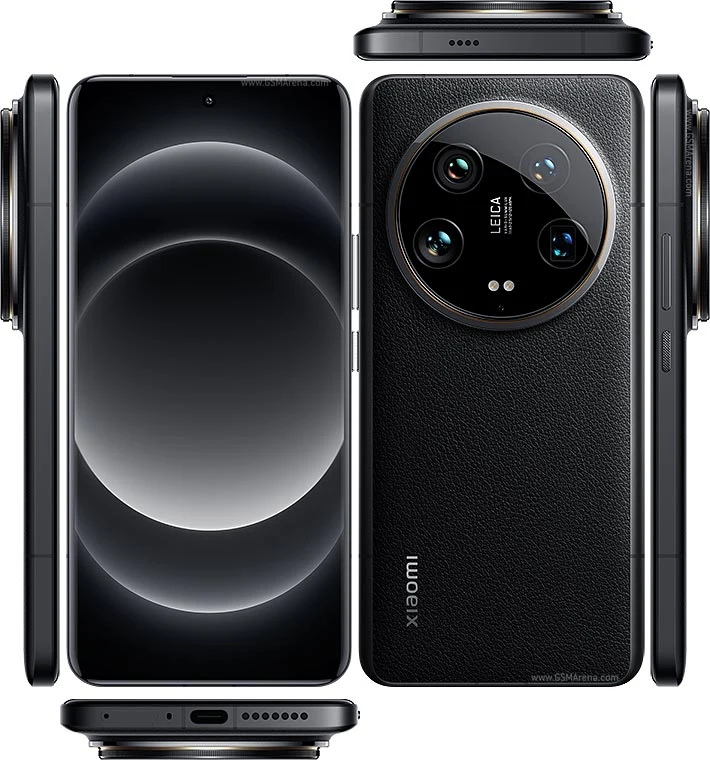
Xiaomi 14 Ultra
• 4500 mAh • TAC: 86942106
To prevent relay attacks—where an adversary captures and rebroadcasts credentials across long distances—both Apple and Google implement rigorous Received Signal Strength Indicator (RSSI) proximity boundaries. If the RSSI dips below a hard-coded security threshold (typically -60 dBm to -65 dBm), the operating system immediately terminates the pairing process.
Path Loss and RSSI Mathematical Model
Free-space path loss (FSPL) and physical multipath fading directly modulate the signal observed by the baseband controller. The calculated signal strength is governed by the log-distance path loss model:
RSSI(d) = TxPower - 10 · n · log₁₀(d / d₀) + X_σ
Where TxPower represents the calibrated transmission output at 1 meter (approx. -59 dBm on modern SoCs), n represents the path loss exponent (2.0 in free space, but often 3.5 to 4.2 in congested RF desktop environments), d is the distance in meters, and X_σ is zero-mean Gaussian distributed random variable capturing shadowing effects. If ambient 2.4 GHz interference increases attenuation such that RSSI < -65 dBm, the OS terminates the profile transfer handshake before initiating local provisioning.
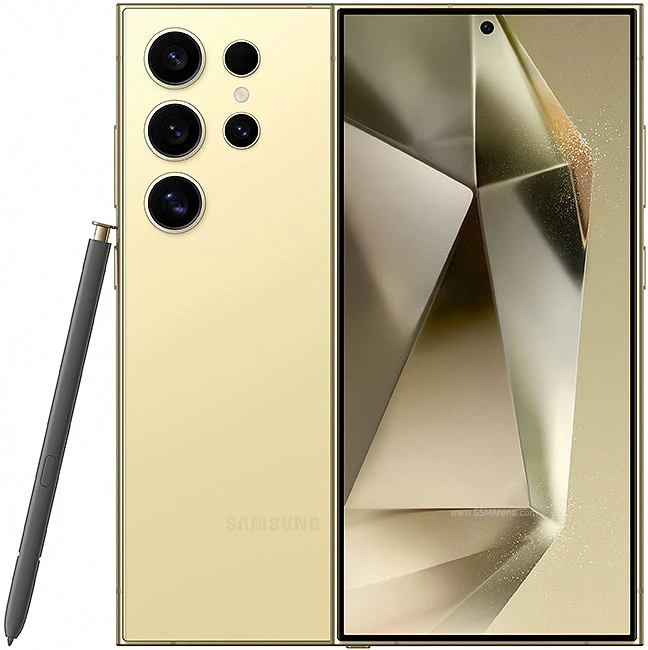
Samsung Galaxy S24 Ultra
6.8", 1440x3120 pixels, Dynamic LTPO AMOLED 2X, 120Hz • 5000 mAh Batarya • 5G NR Band 20 / n78 Sertifikalı
Carrier Policy, Financing Locks, and Entitlement Checks
A physical Bluetooth failure message often acts as a proxy for an upstream failure in the GSMA TS.43 Entitlement Server sequence. Before an eSIM profile is released from an outgoing iOS device (e.g., iPhone 15) to a targeted Android device (e.g., Google Pixel 8), the host carrier's Subscription Manager Data Preparation (SM-DP+) server validates device status. If a handset is bound to ongoing smartphone financing or restricted by a network lease, the policy server blocks over-the-air profile re-encryption.
Before diagnosing physical RF issues, ensure your handset possesses a complete carrier unlock and holds a documented clean IMEI status. Devices listed as restricted, financed, or reported lost will fail local profile extraction during the carrier handoff phase, masquerading as a wireless connection timeout.
| RF / Software Layer | Observed Error Trigger | Signal / Protocol Threshold | Resolution Path |
|---|---|---|---|
| BLE Discovery (2.4 GHz) | Target handset drops out of pairing menu | RSSI < -65 dBm / Packets dropped > 15% | Maintain distance under 5 cm; strip thick cases |
| Wi-Fi Direct / OOB Data | Transfer hangs at 10%–20% completion | DFS Channel clash / 802.11 co-channel collisions | Disable personal hotspots; toggle Airplane Mode |
| GSMA Entitlement (TS.43) | "eSIM Transfer Not Supported by Carrier" | HTTP 403 / EID not registered in HLR/HSS | Request manual QR code from MNO customer care |
| Baseband NVRAM State | Continuous Bluetooth daemon crash loops | Kernel panic / Bluetooth HAL timeout | Execute complete Network Settings Reset |
Step-by-Step Diagnostic Protocol for Proximity Failures
When physical Bluetooth handshakes fail between iOS and Android platforms during an eSIM migration, execute this structured four-stage hardware and network audit:
1. Eliminate Physical RF Attenuation
Protective smartphone cases containing carbon fiber, metal kickstands, magnetic vehicle plates, or heavy aluminum bumpers severely degrade 2.4 GHz signal propagation. A magnetic plate can induce up to 12 dB of localized dielectric loss, dropping your BLE RSSI from an acceptable -55 dBm down to -67 dBm. Remove all external shielding and place the devices with their internal antennas aligned—typically resting the upper third of both devices directly adjacent to each other.
2. Mitigate 2.4 GHz ISM Spectrum Congestion
Bluetooth shares the unregulated 2.4 GHz ISM spectrum across 40 distinct 2 MHz channels, three of which (37, 38, and 39) are dedicated solely to primary advertising. In environments saturated by 2.4 GHz Wi-Fi access points, wireless gaming peripherals, or microwave emissions, BLE advertisement packets suffer extensive cyclic redundancy check (CRC) failures. Temporarily disable high-bandwidth 2.4 GHz routers or move to an isolated RF environment.
3. Verify Baseband and Spectrum Compatibility
An unconfigured destination handset may lack regulatory enablement for specific network bands, terminating migration handshakes preemptively. Check global band capabilities with a dedicated frequency compatibility checker to confirm that the recipient hardware natively supports your carrier's core LTE and 5G NR channels before moving your digital identity.
4. Clear Baseband Stack and Local Caches
Persistent corruption in the Bluetooth hardware abstract layer (HAL) can cause packet drops during cryptographic credential exchanges:
- On Android: Open Settings > Apps > System Apps > Bluetooth > Storage > Clear Cache and Clear Data. Follow with a network settings flush via Settings > System > Reset options > Reset Mobile Network Settings.
- On iOS: Navigate to Settings > General > Transfer or Reset iPhone > Reset > Reset Network Settings. This clears corrupt pairing profiles, cached DHCP state machines, and temporary OOB keys.
Financial Trade-Offs: Carrier Intervention vs. Self-Service Fallback
When wireless proximity handshakes fail repeatedly, users face financial and operational decisions. A persistent baseband or Bluetooth transceiver failure can void residual trade-in value when liquidating an old device, as certified trade-in inspection algorithms test internal RF transmitters. If an RF module has failed mechanically, repairs under comprehensive mobile device insurance are often necessary to restore the hardware's market valuation.
If you are traveling internationally, relying on immediate wireless profile porting is risky. A corrupted transfer can detach an active profile from your primary phone without successfully provisioning the target phone, stranding you without cellular coverage. In such scenarios, compare international roaming fees against localized eSIM data plans using an online calculator before paying premium carrier reissuance fees ($10 to $25 per transaction on legacy operators).
Pro-Tip: The Universal QR Code Fallback
If the iOS-to-Android Bluetooth bridge fails indefinitely due to proprietary OS handshaking discrepancies, log in to your mobile operator's self-care web portal on a separate display. Trigger an eSIM re-profiling to generate a fresh GSMA-standard LPA activation code (e.g., LPA:1$smdp.carrier.com$MATCHING-CODE). Scan this directly with your Android camera via Add Mobile Network > Download SIM, bypassing Bluetooth proximity requirements entirely.