How to Claim a Prorated AppleCare Refund After an iPhone Upgrade or Trade-In
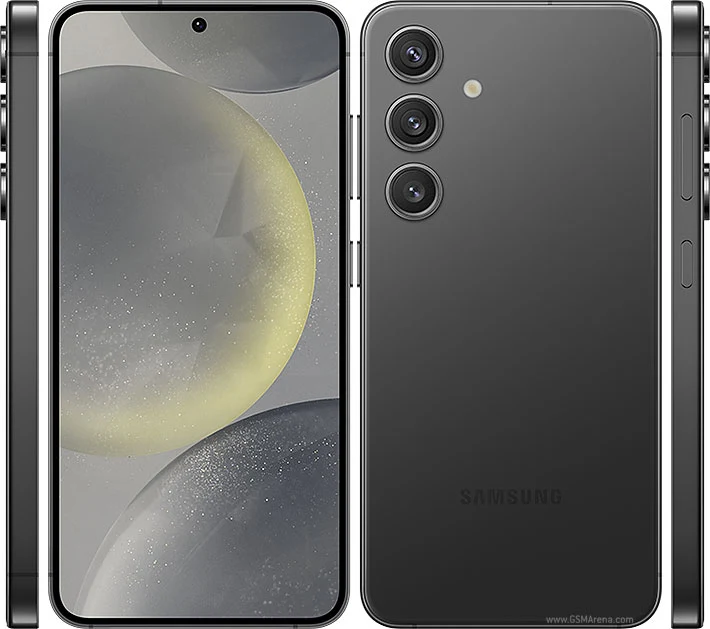
Samsung Galaxy S24
8/12GB RAM, Snapdragon 8 Gen 3 • 4000 mAh • 6.2", 1080x2340 pixels
Upgrading to the newest flagship iPhone is an exciting technical milestone, whether you take advantage of a carrier upgrade program, manufacturer trade-in promotions, or sell your device on the secondary market. However, millions of consumers leave substantial money on the table by forgetting one critical asset: their prepaid mobile device insurance policy. If you paid for a two-year AppleCare+ plan upfront and trade in or sell your device early, Apple legally owes you a prorated cash refund for the unused coverage period.
The Economics of AppleCare+: Monthly vs. Paid-in-Full Plans
AppleCare+ generally operates under two distinct consumer finance models: recurring monthly billing and fixed-term prepaid agreements (typically 24 months for iPhones). If you pay monthly, terminating coverage simply involves canceling the subscription inside your Apple ID settings before the next billing cycle. No balance remains, and no refund is issued.

Apple iPhone 16 Pro Max
8GB RAM, Apple A18 Pro • 4685 mAh • TAC: 35987116
However, when you buy a device through direct purchase or bundle extended warranty coverage into your smartphone financing plan upfront, you purchase a two-year block of protection. If you upgrade after 10, 12, or 18 months, that insurance contract does not automatically terminate or transfer to your new hardware upon trade-in. Because the policy is tied to the unique hardware identifier of the retired handset, the remaining coverage remains dormant unless you proactively file for cancellation.
The Prorated Refund Formula Explained
Under Apple's Terms and Conditions (Section 9: Cancellation), if you cancel your fixed-term plan more than 30 days after purchase, your refund is determined mathematically by the percentage of unexpired plan days, minus any claims fulfilled and, where legally permissible, an administrative processing fee:
Real-World Calculation Example
Consider a consumer who purchased an iPhone 15 Pro Max with a 2-year upfront AppleCare+ with Theft and Loss agreement priced at $269.00 USD. Exactly 10 months (304 days) into ownership, the user trades in the device for a next-generation flagship:
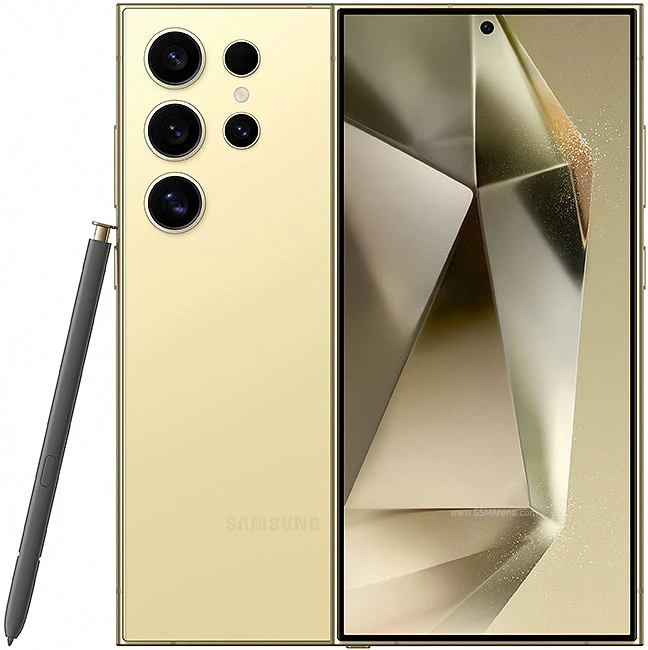
Samsung Galaxy S24 Ultra
6.8", 1440x3120 pixels, Dynamic LTPO AMOLED 2X, 120Hz • 5000 mAh Batarya • 5G NR Band 20 / n78 Sertifikalı
- Total Policy Duration: 730 days (24 months)
- Consumed Period: 304 days
- Unused Remaining Period: 730 − 304 = 426 days (58.35% unearned)
- Value of Claims Incurred: $0.00 (no screen repairs or replacements)
- Gross Unearned Premium: $269.00 × (426 ÷ 730) = $156.97 USD
- Standard Administrative Fee: Typically $25 or 10% of the prorated amount (whichever is less), often waived depending on state/country consumer laws (e.g., California, UK, and EU mandates waive or cap this). Assuming a $15.70 administrative deduction, the net direct payout returned to the customer's bank account or original payment card is $141.27 USD.
Failing to claim this balance directly degrades your effective trade-in value, giving away hard currency to the underwriter.
Step-by-Step: Preparing Your Hardware Before Initiating the Claim
Before contacting Apple Support to cancel your policy, you must ensure that your hardware transition is clean, documented, and free from administrative holds. Failing to execute these technical steps can cause policy cancellation snags or delay trade-in credits.
1. Verify Device Identification and Baseline Status
Every AppleCare+ agreement is hard-linked to the device's International Mobile Equipment Identity (IMEI) and serial number. Before wiping your device for trade-in, verify its identifiers using an official IMEI Validator. Document the Primary IMEI, secondary eSIM IMEI (IMEI2), and the serial number found under Settings > General > About.
2. Check Carrier Locks and Blacklist Registers
If you are trading your phone in to an independent buyback vendor or selling to a third party rather than Apple, guaranteeing a clean IMEI is mandatory. Ensure the phone is free of finance encumbrances and verify its GSMA registry status with the Stolen & Blacklist Checker. In addition, request an official carrier unlock from your network provider if your initial contract obligations have been satisfied, as unlocked models consistently yield higher secondary market margins.
3. Migrate eSIM Profiles and Connectivity
Modern iPhones operate extensively on virtual SIM modules. When decoupling your old hardware, ensure you transfer your active phone line and external eSIM data plans directly to your new device via iOS Quick Transfer or carrier QR codes before wiping network profiles. Never surrender a phone for trade-in with lingering cellular profiles installed.
4. Complete a Formal Secondary Bill of Sale
If your upgrade route involves a direct peer-to-peer sale rather than an automated trade-in bin, protect both parties by executing a formal 2nd Hand Bill of Sale. Having written proof of ownership transfer, timestamped IMEI entries, and recorded transaction figures clarifies that the previous owner retains the contractual right to claim remaining unearned insurance balances on their personal billing profile.
How to File the Prorated AppleCare Refund with Apple Support
Once your old device is de-registered from your iCloud account (Find My deactivated) and backed up, initiate your insurance refund using Apple’s specialized administrative channels:
- Gather Documentation: Locate your original AppleCare Agreement Number (found in your Proof of Coverage email), the original hardware serial number, and your original sales receipt.
- Contact Apple Administration: While technical support handles diagnostics, insurance policy cancellations are processed by Apple Agreement Administration. Dial Apple Support (1-800-APL-CARE in North America or your regional equivalent) or launch the official Apple Support application and request transfer to "Agreements and Billing."
- Specify Contract Cancellation: Explicitly inform the representative: "I have traded in my iPhone and would like to cancel my prepaid AppleCare+ agreement for a prorated refund."
- Confirm the Settlement Method: Apple can issue the balance to the original payment card used at checkout. If that card is closed, they can issue a credit via direct bank transfer or an Apple Gift Card depending on regional operational rules.
Strategic Options: Refund vs. Transfer to New Owner
Before demanding a cash refund, evaluate whether liquidating the plan or transferring it produces the highest return on investment. The table below analyzes how to handle unexpired protection depending on your disposal route:
| Upgrade Channel | Recommended Action | Financial Impact | Administrative Requirement |
|---|---|---|---|
| Apple Trade-In Program | Claim Prorated Refund | Recovers cash balance directly | Call Apple Agreements with Agreement & Serial ID. |
| Carrier Trade-In Promo | Claim Prorated Refund | Adds $50–$160 cash on top of bill credits | Carrier cannot cancel AppleCare; must contact Apple directly. |
| Private Party Sale (P2P) | Transfer to Buyer (or Cancel) | Boosts asking price above market average | Submit written notice of transfer to Apple with buyer's details. |
Key Takeaways for Smart Consumer Upgrading
Trade-in promotions are carefully structured by telecom carriers and retailers to minimize their net outlays. When negotiating new smartphone financing agreements or evaluating early trade-in incentives, factor in unearned warranties as immediate liquid cash. By verifying a clean IMEI, backing up eSIM profiles, and dialing Apple Agreements immediately following your upgrade, you guarantee that zero residual value is conceded to third-party underwriters.
Frequently Asked Questions
Does Apple automatically refund AppleCare when I trade in my iPhone? ▼
No. Apple does not automatically cancel or refund your AppleCare+ policy when you complete an Apple Store or carrier trade-in. Because the service contract is independent of hardware recycling, you must explicitly contact Apple Support Agreements Administration to process your prorated balance.
How long does it take to receive a prorated AppleCare refund? ▼
Once requested through Apple Support, refunds to original credit or debit cards generally take 5 to 10 business days to clear. If the original payment mechanism has expired or closed, Apple may issue the payout via direct bank transfer or mailed check, which can take up to 30 calendar days.
What happens to the refund amount if I made an AppleCare claim in the past? ▼
Apple deducts the total retail value of services or repair claims already delivered under the contract from your gross prorated refund. If the financial cost of completed repairs (e.g., multiple rear glass or display replacements) exceeds your unearned balance, no refund will be issued.
Can I transfer my old AppleCare+ policy to my new iPhone instead of canceling? ▼
In most jurisdictions, Apple does not allow you to cross-transfer an active AppleCare+ policy from an older model to a newer generational model (such as moving coverage from an iPhone 14 to an iPhone 16). The standard procedure is to claim your prorated refund on the old device and enroll the new device in a fresh plan within 60 days of purchase.