How to Fix Carrier Lock and Trade-In Rejections After an AppleCare Express Replacement
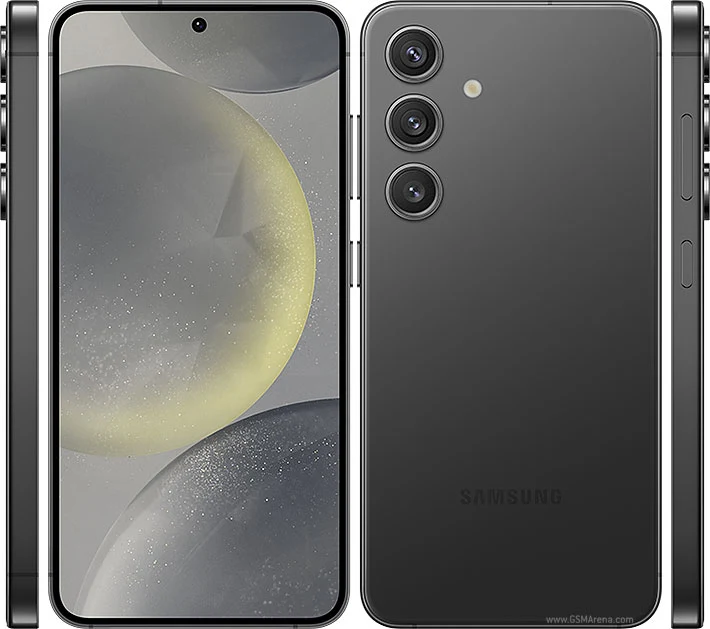
Samsung Galaxy S24
8/12GB RAM, Snapdragon 8 Gen 3 • 4000 mAh • 6.2", 1080x2340 pixels
AppleCare+ Express Replacement Service (ERS) is widely regarded as the gold standard in mobile device insurance: within 48 to 72 hours, Apple ships a replacement iPhone directly to your door before you return your damaged hardware. However, this seamless hardware swap conceals an architectural vulnerability in mobile carrier systems. Because the swap generates a brand-new International Mobile Equipment Identity (IMEI) and Embedded Identity Document (EID), it frequently breaks automated telecom workflows, triggering unexpected SIM locks, invalidated carrier unlock policies, and catastrophic rejections that zero out your device's trade-in value.
The Technical Root Cause: GSX Activation Policies and EIR Desynchronization
When Apple issues an express replacement unit, its Global Service Exchange (GSX) database must execute an activation policy inheritance protocol. In ideal conditions, the new hardware clones the exact tether policy of the original device. If your original iPhone was factory unlocked, the replacement's serial number and IMEI are supposed to map to Policy ID 2305 (Multi-Mode Unlock).

Apple iPhone 16 Pro Max
8GB RAM, Apple A18 Pro • 4685 mAh • TAC: 35987116
However, desynchronization occurs when the original unit was purchased through third-party retail or tied to active smartphone financing. In these instances, Apple's activation servers may default to the original carrier's "Initial Activation Policy" rather than its "Next Tether Policy." If an AT&T, T-Mobile, or Verizon subscriber had their original phone unlocked post-purchase, the ERS unit frequently reverts to a locked profile upon setup, rendering international physical SIMs and secondary eSIM data plans completely inoperable.
Simultaneously, the carrier's Equipment Identity Register (EIR) continues to track the original IMEI under your Equipment Installment Plan (EIP). When the carrier's automated audit scripts sweep the network, they detect a discrepancy between the billing account's registered device and the live network registration (AUC/HSS handshake). Before troubleshooting network faults, always verify your replacement device's current baseline parameters using a comprehensive IMEI Validator.
The Financial Impact: The $1,000 Trade-In Rejection Trap
The most financially devastating manifestation of this bug occurs during trade-in windows. Modern carrier promotions rely on 24- to 36-month promotional bill credits. Consider this typical carrier financing calculation:
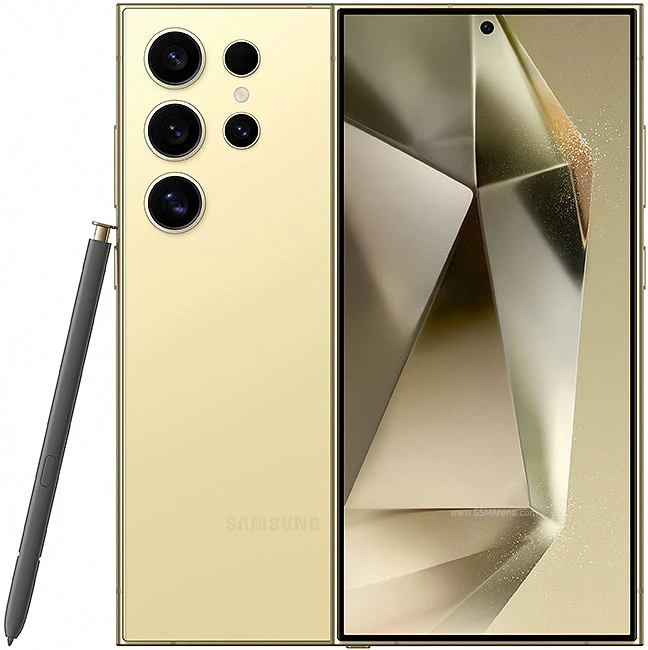
Samsung Galaxy S24 Ultra
6.8", 1440x3120 pixels, Dynamic LTPO AMOLED 2X, 120Hz • 5000 mAh Batarya • 5G NR Band 20 / n78 Sertifikalı
Case Study: Tier-1 Carrier Trade-In Amortization Breakdown
- Original Hardware: iPhone 14 Pro, financed over 36 months at $27.77/month ($1,000 MSRP).
- Promotional Credit: -$27.77/month credit applied to the bill (Net Device Cost: $0).
- Month 18 Event: AppleCare Express Replacement due to back glass fracture. New IMEI assigned.
- Month 36 Event: Device traded in for iPhone 16 Pro promotion ($1,000 expected credit).
- Warehouse Inspection Result: Trade-in rejected. IMEI physically received does not match the original IMEI associated with the EIP contract agreement.
- Immediate Direct Loss: Complete forfeiture of the $1,000 promotional trade-in credit, adjusted down to a non-promotional market value check of roughly $180, representing an $820 net financial loss.
Warehouse grading facilities utilize high-speed automated barcode scanners. When the scanned IMEI of an ERS unit returns as "Unrecognized Hardware" or "Device Under Existing Lien (Original Not Returned)," the intake system automatically rejects the intake without human intervention. To ensure your hardware is recognized properly by global telecom databases, you must establish and confirm a clean IMEI status that dissociates your device from lost or delinquent statuses.
| Scenario | EIR / Activation State | Consumer Consequence | Remediation Authority |
|---|---|---|---|
| Profile Reversion Lock | Locked to Carrier Sub-Profile | eSIM failure abroad, multi-carrier loss | Apple Tier 2 Engineering (GSX Override) |
| IMEI Discrepancy Flag | EIP tied to decommissioned IMEI | Trade-in rejection, bill credit revocation | Carrier Tier 3 Support / Back-Office Escalation |
| Phantom Blacklist Lock | Logistics misplacement of damaged unit | Total service disruption (GSMA Blacklisted) | Apple Logistics Escalation + Carrier NOC |
Step-by-Step Resolution Protocol
Phase 1: Secure Your Repair Documentation
Never initiate contact with your carrier without raw data. Retrieve your original AppleCare+ service confirmation email. Locate the Proof of Coverage (PoC) letter and the repair work order, specifically detailing:
- Original Serial Number and IMEI.
- Replacement Unit Serial Number and primary/secondary IMEIs.
- Apple Repair ID (R-number) confirming the hardware exchange was official.
Phase 2: Correcting Carrier Lock Reversion (Apple Engineering Escalation)
If the replacement unit locked itself to a carrier despite the previous phone being unlocked, do not let Apple direct you to the carrier first. Standard carrier front-line support cannot unlock a replacement IMEI that is not yet fully recognized in their internal provisioning database. Call Apple Support and request an escalation to a Senior Advisor (Tier 2). Provide the original R-number and state: "My replacement hardware failed to inherit the unlocked Next Tether Activation Policy from my original unit. I need a GSX Activation Policy Correction request filed with Apple Telephony Engineering." Once filed, engineering manually adjusts the profile on the activation server; connect your iPhone to Wi-Fi, back it up, and restore iOS to load the updated ticket.
Phase 3: Correcting Carrier EIP Billing & Trade-In Mismatches
To fix trade-in rejections or avoid future billing clawbacks, the carrier's core system must perform an official "Equipment Swap" on the existing financing agreement:
- Contact your carrier's Retention or Financial Services Tier 2 department.
- Instruct the representative to process a "Device Warranty Replacement Update" (not an equipment upgrade or cancellation).
- Provide the original PoC letter containing the swap metadata so they can overwrite the financing lien with the replacement IMEI in their billing platform (e.g., Amdocs or CSG systems).
- Request written confirmation via email that the replacement IMEI is now bound to the active promotional credit stream.
If you are planning to offload or purchase an AppleCare-serviced phone on the secondary market, safeguard both parties against future blacklisting or trade-in disputes by executing a formal legal transfer with our 2nd Hand Bill of Sale. Having a legally binding serial-and-IMEI audit trail is the single most effective way to protect your financial investment when interacting with carriers, insurers, and pre-owned device marketplaces.