OLED Burn-In and Carrier Trade-Ins: Grading Standards, Promo Clawbacks, and Deduction Fees
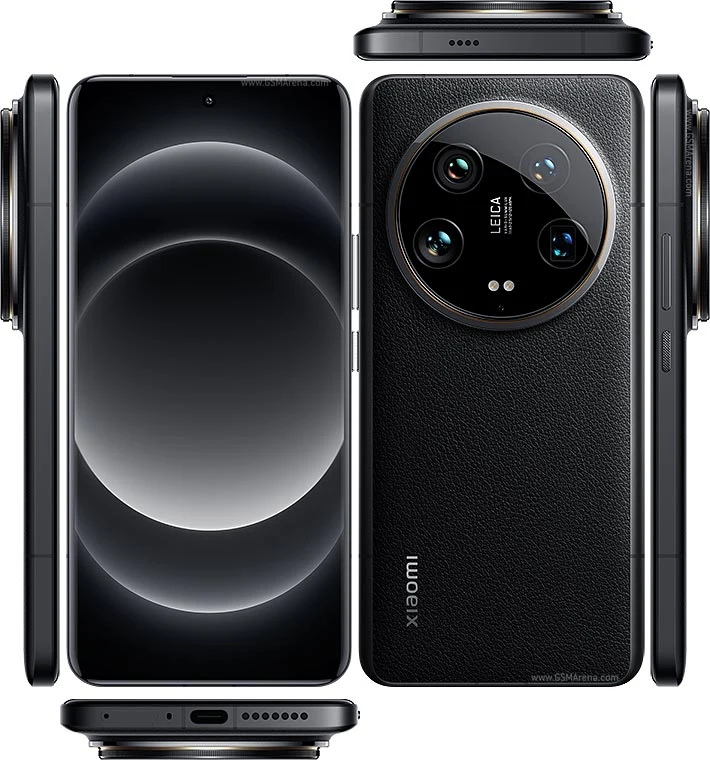
Xiaomi 14 Ultra
• 4500 mAh •
Organic Light Emitting Diode (OLED) displays have become the gold standard for flagship smartphones due to their infinite contrast ratios, vibrant gamuts, and superior power efficiency. However, their underlying chemical architecture introduces a fundamental hardware vulnerability: differential subpixel wear, commonly known as OLED display burn-in. When you prepare to trade in your flagship device to subsidize a modern smartphone financing contract, subtle display retention can instantly trigger warehouse optical inspection downgrades, resulting in hundreds of dollars in clawed-back bill credits and unexpected deduction fees.
The Physics of OLED Degradation and Automated Warehouse Diagnostics
Unlike liquid crystal displays (LCDs) that rely on a uniform LED backlight, OLED screens utilize microscopic, self-emissive organic compounds. Each pixel produces its own luminance across Red, Green, and Blue (RGB) subpixels. Due to the wide bandgap of blue-emitting organic polymers, blue subpixels degrade substantially faster than their red and green counterparts under identical thermal and luminous flux. When static user-interface assets—such as carrier status bars, battery percentages, navigation docks, or keyboard outlines—remain displayed at high nit levels, localized subpixel luminescence drops disproportionately.
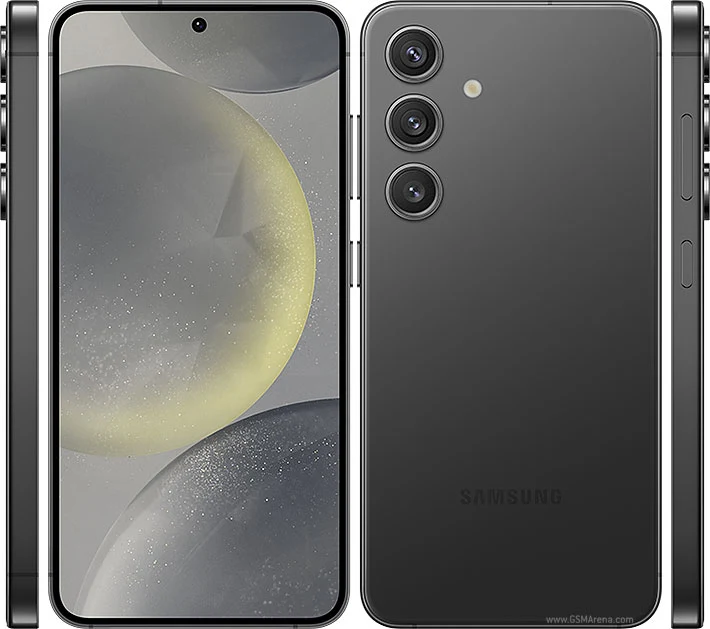
Samsung Galaxy S24
8/12GB RAM, Snapdragon 8 Gen 3 • 4000 mAh • TAC: 35167824
When a trade-in device reaches a carrier processing hub (operated by logistics providers such as Assurant, Likewize, or Brightstar), human visual checks are increasingly replaced by automated optical inspection (AOI) gantries. These industrial imaging rigs position the device under high-resolution CMOS cameras while cycling the display across uniform red, green, blue, gray, and white test screens at maximum brightness. Minor ghosting that appears imperceptible under everyday dark-mode use stands out distinctly on a 50% flat gray background, triggering a hardware fault flag before the technician ever verifies the device's cosmetic chassis.
Important Telecom Pre-Check:
Before initiating any trade-in sequence, verify your device's network entitlement and blacklist status. Carrier intake systems cross-reference internal serial numbers against central GSMA databases. Run your identifier through our IMEI Validator and query our Stolen & Blacklist Checker to confirm your device holds a verifiable, clean IMEI before shipping.

Apple iPhone 16 Pro
6.3", 1206x2622 pixels, LTPO Super Retina XDR OLED, 120Hz • 3582 mAh Batarya • 5G NR Band 20 / n78 Sertifikalı
Carrier Grading Tiers: From Pristine Promo to Damaged Salvage
Major carriers divide trade-in devices into distinct assessment tiers. While terminology varies between Tier-1 networks, the grading matrix consistently differentiates cosmetic wear from active display defects:
- Grade A (Flawless / Like New): Zero micro-abrasions, 100% color uniformity across all color sweeps, full touch sensitivity, and battery health above factory thresholds. Qualifies for maximum promotional tiering.
- Grade B (Normal Wear / Good): Minor hairline scratches on oleophobic coatings, light edge bezel scuffs, zero dead pixels, and zero detectable differential luminance (no ghosting). Eligible for full or near-full trade-in value.
- Grade C (Fair / Minor Display Defect): Deep housing abrasions, microscopically detected image retention, or faint keyboard ghosting visible only on single-tone test images. Often triggers a 40% to 60% promotional haircut.
- Grade D / Damaged: Unequivocal burn-in (status bar or navigational shadows visible on system apps), persistent OLED line artifacts (pink/green display lines), panel bruising, or delamination. Stripped of promotional financing credits; reassessed at bare wholesale salvage value.
The Financial Impact: Bill Credit Clawbacks and Smartphone Financing
Modern mobile promotions rarely distribute cash up front. Instead, carriers lock subscribers into 24- to 36-month smartphone financing agreements. The advertised $800 to $1,000 subsidy is disbursed as monthly recurring bill credits (e.g., $27.78 per month across a 36-month term). If warehouse diagnostic teams downgrade your trade-in due to OLED display burn-in, the downstream financial impact can be severe.
| Condition Assessed | Promotional Status | Monthly Credit (36 Mo.) | Total Realized Value | Deduction / Net Penalty |
|---|---|---|---|---|
| Tier 1: No Burn-In (Grade A/B) | Full $1,000 Flagship Promo | $27.78 / mo | $1,000.00 | $0.00 |
| Tier 2: Faint Ghosting (Grade C) | Downgraded Tier Promo | $11.11 / mo | $400.00 | -$600.00 |
| Tier 3: Permanent Burn-In (Grade D) | Salvage Market Credit Only | $0.00 (Lump sum) | $140.00 | -$860.00 |
In this mathematical example, failing the warehouse optical screen test causes the consumer to forfeit $860 over the life of the lease. When this occurs, the carrier modifies the recurring bill credit schedule, requiring the user to pay the full installment out of pocket or face immediate deduction fees charged directly to their customer account balance.
Screen Replacement Economics: Insurance Deductible vs. Promo Haircut
When you spot permanent UI shadows on your smartphone, you must decide whether to service the panel prior to intake or accept the valuation reduction. This calculation relies directly on your warranty coverage, third-party repair pricing, and mobile device insurance terms.
- With First-Party / Carrier Insurance: Screen damage deductibles through standard coverage tiers (such as AppleCare+ or Asurion-backed carrier packages) are typically capped at $29.00 for front-glass and panel assemblies. Paying a $29 deductible to maintain a $1,000 trade-in promotion provides an immediate, positive expected return of $831.
- Out-of-Warranty OEM Repair: Replacing an advanced LTPO AMOLED assembly out-of-pocket costs between $280 and $380 depending on screen size and curvature. If your carrier promo drops by $600 to $860 due to display degradation, paying $320 for an OEM-certified screen restoration still saves you roughly $280 to $540 net.
- Aftermarket Third-Party Screens (Risk Warning): Installing non-genuine screens to bypass burn-in checks can backfire. Modern intake scanners detect non-OEM hardware IDs, incorrect ambient light sensor handshakes, and missing factory serialization, triggering immediate rejection for unapproved tampering.
Alternative Exit Strategy: Private Sale and Carrier Unlocks
If an out-of-warranty panel replacement yields diminishing returns, trading in through your network provider may be suboptimal. Secondary consumer markets often tolerate minor display burn-in far better than rigid carrier automation algorithms, particularly if the device is priced transparently.
First, confirm that your smartphone satisfies all contractual tenure rules and obtain a formal carrier unlock. An unlocked handset capable of supporting diverse global networks and flexible eSIM data plans commands a significant price premium on peer-to-peer marketplaces. You can evaluate how unlocked baseband modems interface with various carrier infrastructures using our Travel eSIM & Roaming Calculator to understand device flexibility across regions.
When completing a private transaction, eliminate civil liability regarding the screen condition by having both parties sign a transparent, legally sound bill of sale. You can generate a free, itemized document using our 2nd Hand Bill of Sale tool to formalize the sale, confirm the clean IMEI, and document existing cosmetic or OLED defects explicitly.
Hardware Safeguards: How to Prevent OLED Burn-In
Preserving your smartphone's future trade-in value begins on day one. Implement these engineering-backed habits to minimize localized subpixel degradation over your ownership lifecycle:
- Engage System-Wide Dark Mode: By keeping subpixels powered down across system menus, you prevent uniform baseline wear and stop static background elements from etching into the active matrix.
- Throttle Peak White Luminescence: Avoid prolonged maximum brightness, particularly in high-temperature environments like vehicle dashboard mounts while running GPS software. High thermal loads accelerate organic phosphor decay exponentially.
- Reduce Screen Timeout Durations: Set your screen lock interval to 30 or 60 seconds to ensure the display does not sit illuminated on static home screens or chat windows when unattended.
- Rotate Navigation Interfaces: Switch from legacy, static three-button navigation docks to gesture-based swipes to eliminate persistent high-contrast shapes at the base of the panel.
Explore more technical analyses on RF bands, baseband modems, and hardware longevity across our dedicated Hardware & Telecom Guides.
Frequently Asked Questions
Can carrier intake warehouses distinguish between temporary image retention and permanent burn-in? ▼
Yes. Automated optical inspection units power down the device or run dynamic color sweep sequences for several minutes before conducting uniformity testing. Temporary image retention (charge accumulation in the thin-film transistor layer) dissipates quickly, whereas permanent organic material degradation remains visible across specific color channels.
Will minor status bar burn-in completely disqualify me from a carrier promotional trade-in? ▼
It generally does not disqualify you from trading the phone in entirely, but it frequently downgrades the device from 'Good/Pristine' condition to 'Fair' or 'Damaged'. This condition drop often slashes high-tier promotional bill credits by 40% to 80%, leaving you responsible for the remaining monthly equipment installments.
Does mobile device insurance cover OLED burn-in as a legitimate claim? ▼
Yes. Leading insurance providers like AppleCare+, Samsung Care+, and third-party carrier underwriters (Assurion/Likewize) classify severe display burn-in as covered screen hardware degradation. You can typically claim a screen replacement under standard low-tier deductible pricing ($29 in many regions) before processing your carrier trade-in.
What happens if a carrier downgrades my trade-in valuation after I have already shipped the device? ▼
Once the warehouse grading team flags display burn-in, you receive an automated notification outlining the reduced trade-in value. Under most carrier terms, you are granted a brief dispute window (typically 7 to 14 days) to either accept the reduced bill credit schedule or request that the device be returned to you, though promotional purchase terms may require re-evaluating your active equipment financing agreement.