Why Auto Data Switching Triggers Disastrous Roaming Fees with Travel eSIMs
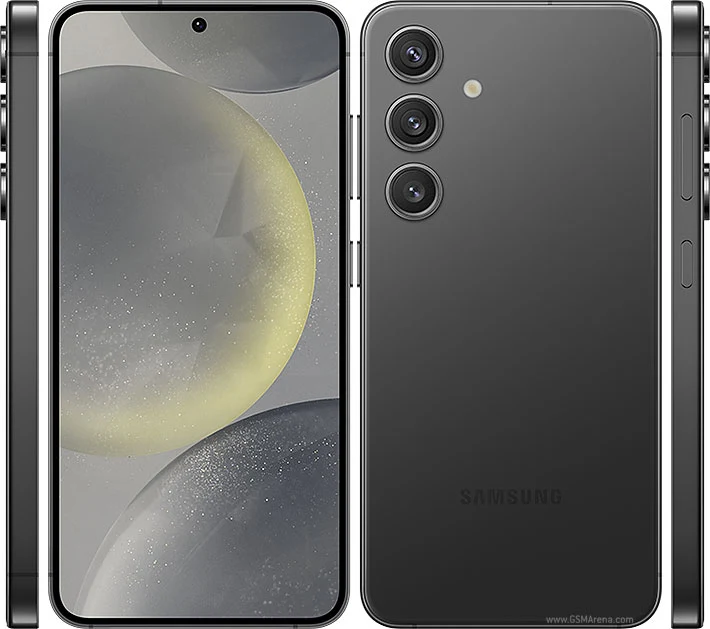
Samsung Galaxy S24
8/12GB RAM, Snapdragon 8 Gen 3 • 4000 mAh • 6.2", 1080x2340 pixels
International travelers increasingly rely on secondary eSIM data plans to avoid predatory carrier roaming fees abroad. However, thousands of smartphone users return home to find surprise charges reaching into hundreds or thousands of dollars on their domestic bill. The culprit is rarely an outright billing mistake by the operator; rather, it is an operating system feature engineered for domestic convenience: Cellular Data Switching (iOS) or Auto Data Switching (Android).
The Core Mechanism: Dual SIM Dual Standby (DSDS) and Fallback Routing
Modern smartphones operate on a hardware architecture known as Dual SIM Dual Standby (DSDS). In a DSDS deployment, a single radio frequency (RF) transceiver or a pair of baseband controllers monitor two distinct Subscriber Identity Modules simultaneously—such as a physical domestic SIM (pSIM) alongside an embedded digital travel profile (eSIM). While both profiles can idle on cellular networks simultaneously to accept incoming SMS and circuit-switched calls, standard consumer devices typically share a single Packet Data Protocol (PDP) context for active cellular throughput.
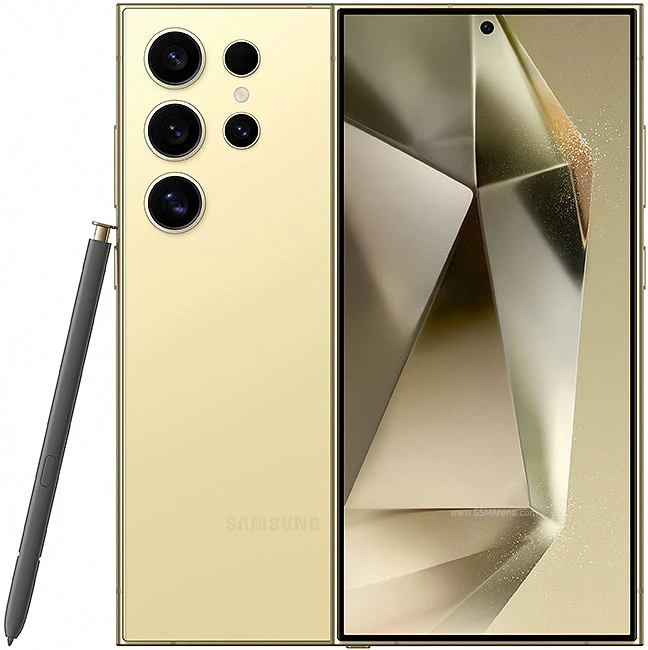
Samsung Galaxy S24 Ultra
12GB RAM, Snapdragon 8 Gen 3 (4 nm), Titanium frame • 5000 mAh • TAC: 35167624
To maximize battery life and deliver seamless connectivity, Apple introduced “Allow Cellular Data Switching” in iOS, while Google and Samsung implemented “Auto Data Switching” across modern Android releases. When enabled, the operating system continuously samples Radio Resource Control (RRC) states, Reference Signal Received Power (RSRP), and packet drop rates on the primary active data line. If the travel eSIM encounters signal attenuation—such as traversing an underground rail system or passing through an RF shadow in a concrete building—the baseband controller automatically demotes the travel eSIM and initiates a rapid handover to the secondary line: your domestic carrier.
Financial Breakdown: The Mathematical Reality of Background Data Leaks
Carrier billing architectures charge international roaming using two distinct monetization models: Daily Roaming Passes (typically $10 to $15 per 24-hour cycle) or Pay-As-You-Go Out-of-Bundle Rates (frequently $2.05 to $10.00 per megabyte). When auto data switching silently activates your primary SIM abroad, even a micro-burst of background data triggers these billing triggers instantly.
| Scenario / Data Event | Data Transferred | Daily Pass Billing Trigger | Standard Pay-As-You-Go ($5.00/MB) |
|---|---|---|---|
| Push Notification (APNs/FCM) | 12 KB | $12.00 / day | $0.06 (Billed at 1MB min: $5.00) |
| Background Email Sync (IMAP) | 1.4 MB | $12.00 / day | $7.00 |
| Background App Refresh & Diagnostics | 18.5 MB | $12.00 / day | $92.50 |
| Automatic Cloud Sync (Photos/Drive) | 240 MB | $12.00 / day (Throttled post-500MB) | $1,200.00 |
Consider a traveler spending 14 days in Europe. If their device switches to the domestic SIM for just two minutes each day due to transient signal drops on the travel profile, a daily pass carrier charges 14 × $12 = $168. If the user’s plan does not have an automated daily pass, an unchecked cloud photo sync can cost well over $1,000 within twenty minutes. Before leaving, you can model your projected destination consumption using our Travel eSIM & Roaming Calculator to see how daily allowances compare against local pricing.
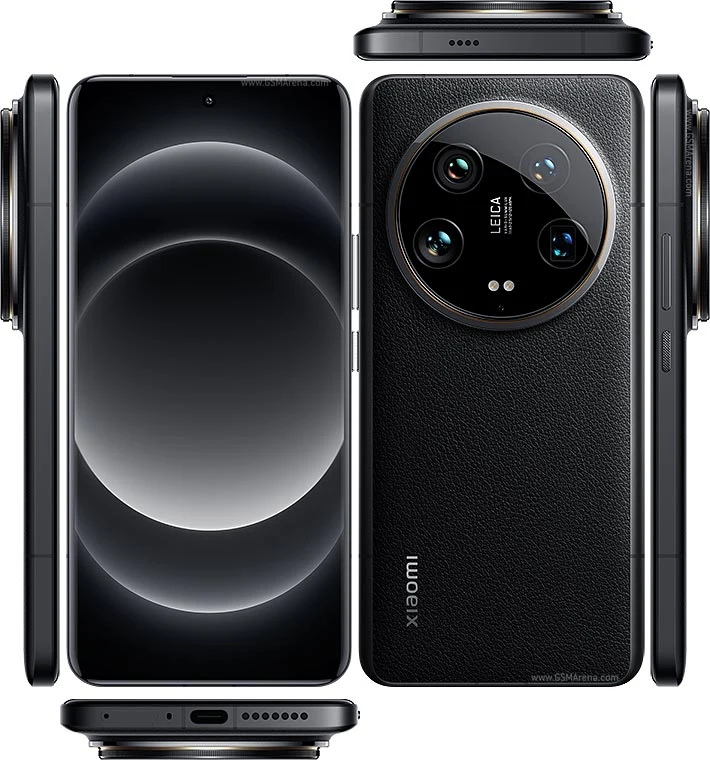
Xiaomi 14 Ultra
• 4500 mAh Batarya • 5G NR Band 20 / n78 Sertifikalı
Hardware Bands and Spectrum Drops: Why Travel eSIMs Disconnect
Auto switching is triggered when your travel profile fails to sustain a reliable radio link. This failure frequently stems from RF spectrum disparities between regional device variants. North American smartphones, for instance, are heavily tuned for bands B2, B4, B12, B13, B66, and B71. When used across Europe, Southeast Asia, or Latin America, local telecom base stations primarily broadcast on LTE bands 3, 7, 20, and 28, alongside 5G NR bands n77 and n78.
If your smartphone hardware lacks structural support for Band 20 (800 MHz digital dividend, critical for long-range rural and indoor propagation in the EU), your travel eSIM will drop into “No Service” inside buildings. If auto switching is left on, the domestic line—which may have access to a wider set of legacy roaming partner agreements across multiple frequency blocks—picks up the connection, instantly initiating a domestic roaming event. Before traveling, verify your modem's band specifications via our 4G/5G Frequency Compatibility Checker.
Carrier Locks, Smartphone Financing, and Secondary Devices
A common roadblock for dual-SIM travelers involves acquiring an official carrier unlock. If a device is currently under active smartphone financing, the network operator installs a software restriction policy inside the modem firmware, prohibiting the activation of secondary local eSIM profiles. While travelers often assume their domestic carrier will simply allow a temporary travel eSIM profile, locked modems reject foreign ICCIDs entirely.
Many travelers opt to purchase refurbished or secondary flagship phones specifically for international travel to protect the pristine condition and trade-in value of their primary daily driver. However, if buying secondary hardware, you must ensure the handset holds a verifiable clean IMEI that is unencumbered by unpaid hardware balances or unpaid insurance claims. Devices flagged on national loss registries will not register on roaming partner networks. You can evaluate any used handset's modem identity using the comprehensive IMEI Validator & Device Checker.
It is equally vital to recognize that standard mobile device insurance policies protect only against liquid ingress, display fractures, and theft; they do not cover billing disputes, accidental roaming overhead, or software misconfiguration damages. Comprehensive telecommunications and hardware compliance insights can be referenced across our Hardware & Telecom Guides.
Step-by-Step Configuration: How to Fully Disable Auto Switching
To insulate your bill from unexpected data switching events while maintaining your primary phone number for two-factor authentication (2FA) SMS, execute the following precise OS configurations:
For iOS (iPhone 11 through iPhone 15/16 Pro series)
- Open Settings > Cellular (or Mobile Data).
- Tap Cellular Data at the top of the interface.
- Explicitly select your Travel eSIM line as the primary data pipe.
- Locate the Allow Cellular Data Switching toggle directly beneath the SIM selection list. Toggle this setting to OFF.
- Return to the main Cellular menu, tap your Primary (Domestic) SIM, and toggle Data Roaming to OFF.
For Android (Samsung One UI, Google Pixel, and AOSP)
- Open Settings > Network & Internet (or Connections > SIM Manager).
- Under Preferred SIM, assign “Mobile Data” specifically to your secondary travel eSIM.
- Locate Auto Data Switching (or Switch Data Connection Automatically). Toggle this to OFF.
- Tap your primary domestic SIM profile, enter its configuration sub-menu, and switch off Roaming.
Final Summary: Roaming Architecture Checklist
Travel eSIMs provide substantial savings, but DSDS baseband handovers introduce a genuine risk of billing shock. By disabling automatic data switching at the OS layer, confirming your domestic line has data roaming toggled off, and ensuring your hardware supports local frequency bands, you can travel internationally with absolute confidence in your telecommunications expenses.