Google Device Lock Controller: Financed Phone Scams, MDM Risks, and Verification Guide

OnePlus 12
• 4500 mAh •
The secondary smartphone market presents incredible opportunities for bargain hunters, but it has also given rise to sophisticated predatory schemes. Among the most pervasive and financially damaging threats facing used mobile buyers today is the remote lockout driven by the Google Device Lock Controller. Designed as an enterprise and credit-enforcement utility, this system allows telecommunications providers and credit lenders to remotely freeze Android hardware when a borrower defaults on payments. Understanding how this architecture operates, why a simple factory reset will not remove it, and how to safeguard your capital is essential before buying any second-hand device.
What Is Google Device Lock Controller?
Google Device Lock Controller is an Android Enterprise system-level service designed specifically for microfinance institutions, mobile network operators, and finance companies. It functions as a Device Policy Controller (DPC) operating with Device Owner (DO) privileges—the highest administrative authorization level within the Android operating system.
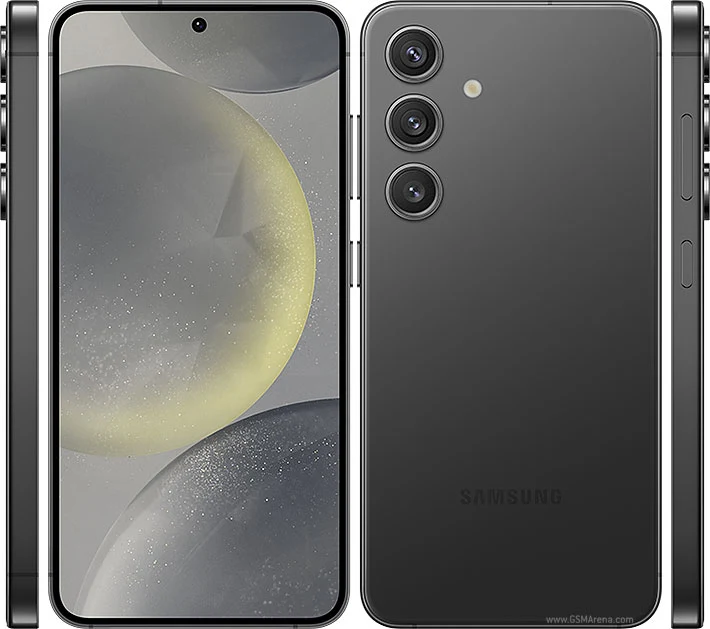
Samsung Galaxy S24
8/12GB RAM, Snapdragon 8 Gen 3 • 4000 mAh • TAC: 35167824
When a consumer purchases hardware through credit-backed smartphone financing agreements (such as carrier installment contracts or subprime device-financing initiatives like Safaricom Lipa Mdogo Mdogo or PayJoy), the device is enrolled at the factory or warehouse level via Android Zero-Touch Enrollment (ZTE) or Knox Mobile Enrollment (KME). Once active, the application monitors payment cycles. If an installment is missed, the controller issues a remote command that locks the user interface, restricts outgoing calls (except to emergency services and customer care), disables app access, and renders the hardware completely unusable until the delinquent balance is cleared.
The Second-Hand Financed Phone Scam Explained
The scam relies on the latency between device financing origination and the first defaulted installment. Scammers exploit this 30- to 60-day billing window to execute arbitrage scams on marketplaces such as Craigslist, Facebook Marketplace, and OfferUp.
The Anatomy of an Installment Default Scheme
- Origination: A fraudster acquires a premium flagship (MSRP: $1,200) using stolen identity credentials or nominal upfront deposits ($50) via retail smartphone financing programs.
- Immediate Liquidation: The fraudster advertises the device as "brand new, factory unlocked" for $750 cash, pricing it just low enough to ensure a rapid transaction.
- The Sale: The unsuspecting buyer inspects the phone, inserts their SIM, tests the cellular connection, and hands over cash. The phone works flawlessly because the account is still within its first billing cycle.
- Default & Lockdown: Thirty to forty-five days later, the financing company logs an overdue payment. A cryptographic lock packet is pushed via Google Cloud Messaging/Firebase to the Device Lock Controller. The buyer wakes up to a persistent, un-bypassable lock screen demanding payment.
Financial Impact: Arbitrage Math vs. Consumer Loss
The financial mechanics demonstrate why this fraud vector is flourishing. While the scammer extracts pure liquidity, the secondary buyer suffers a complete capital write-down, as salvage parts and trade-in value are severely diminished on blacklisted or locked hardware.
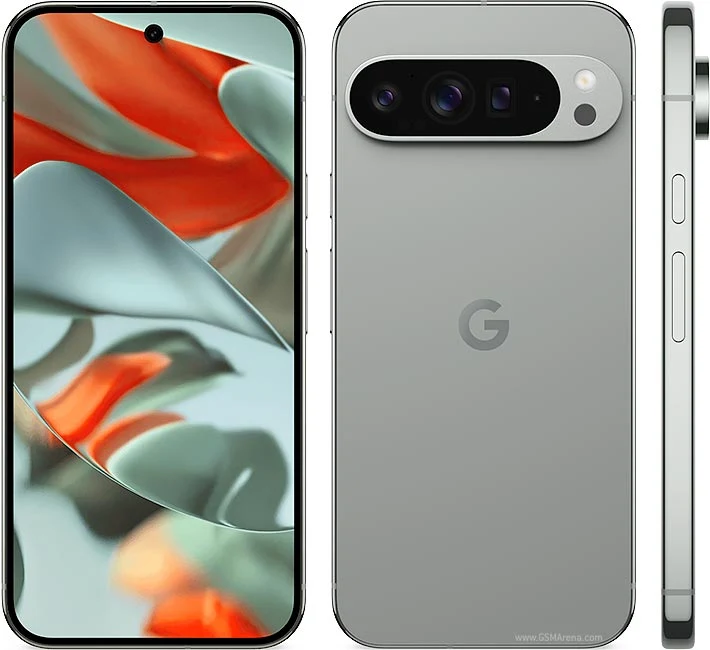
Google Pixel 9 Pro XL
• 4500 mAh Batarya • 5G NR Band 20 / n78 Sertifikalı
| Metric / Stage | Scammer Ledger | Victim (Buyer) Ledger |
|---|---|---|
| Upfront Acquisition Outlay | -$50.00 (down payment) | -$750.00 (cash purchase) |
| Contractual Liability | -$1,150.00 (abandoned debt) | $0.00 (legally third-party) |
| Secondary Market Liquidity Extracted | +$750.00 (net cash profit: +$700) | $0.00 (cannot resell legitimately) |
| Terminal Device Value (Post-Lock) | $0.00 | ~$120.00 (parts-only liquidation) |
| Net Financial Outcome | +$700.00 | -$630.00 (net capital loss) |
The Technical Illusion: Carrier Unlock vs. Device Management (MDM)
A common misconception among used phone buyers is that achieving a carrier unlock eliminates remote lock risks. These are fundamentally distinct security layers governed by entirely different hardware and software subsystems:
- Carrier/SIM Lock: Handled by the modem baseband firmware and SIM lock status partitions (e.g., NVRAM/EFS). It determines whether the handset accepts baseband frequencies from competitor networks or provisioned eSIM data plans.
- Device Lock Controller / MDM: Governed at the Android framework level via Knox/Android Enterprise cryptographic policies. Even if a baseband is fully unlocked, the OS itself is instructed to disable user space interaction when the finance trigger is tripped.
Factory resetting the smartphone via Recovery Mode (stock or custom) will not remediate this. Upon initial configuration, the device contacts Google Zero-Touch or OEM servers to verify provisioning status. Once connected to Wi-Fi or cellular data, the Device Lock Controller package is automatically re-downloaded and enforced before the home screen can be reached.
Comprehensive Inspection & Prevention Protocol
To avoid acquiring a financed device at risk of an operational freeze, follow this strict hardware verification protocol prior to transferring payment:
1. Verify Clean IMEI and Blacklist Status
Obtain the 15-digit International Mobile Equipment Identity directly from the hardware dialer by entering *#06# (never trust numbers printed on aftermarket boxes). Immediately run the identifier through an authoritative IMEI Validator to confirm model telemetry, and cross-reference records using a specialized Stolen & Blacklist Checker. A clean IMEI confirms the device is not currently registered as stolen or blacklisted across central GSMA databases.
2. Inspect Device Admin App Permissions
Navigate through Android Settings: Settings > Security > Device Admin Apps (paths vary slightly across Android skins). Ensure there are no active enterprise management services such as Device Lock Controller, Knox Manage, or third-party leasing applications. If an administrative profile cannot be deactivated or uninstalled, the phone is bound to an active corporate or credit policy.
3. Test Cellular Bands and Profile Swapping
Insert an active SIM card and verify network handshakes across NR (5G) and LTE bands. Use a 4G/5G Frequency Compatibility Checker to ensure hardware band support matches local infrastructure, confirming that poor connectivity is not being masked as an administrative provisioning fault.
4. Execute a Legally Binding Bill of Sale
Legitimate private sellers will have no hesitation in signing a formal transfer agreement. Never execute a cash deal without an established 2nd Hand Bill of Sale that documents the seller's government ID, the phone's unique serial/IMEI, transaction value, and an explicit warranty certifying that the device is free from lien, active financing, or encumbrances.
Insurance and Legal Recourse Realities
Many buyers assume that standard mobile device insurance policies will cover remote financial lockouts under theft or fraud clauses. In practice, underwriters categorically exclude losses stemming from carrier financial disputes, outstanding liens, or subprime financing defaults. Because the phone legally belongs to the original leasing entity until paid in full, standard insurance claims for "inoperability" are systematically rejected.
By remaining disciplined with hardware validation tools, verifying MDM profiles, and avoiding below-market deals on recently launched flagships, buyers can navigate the pre-owned market safely while avoiding the Google Device Lock trap.