Fixing eUICC Memory Full Errors: Overcoming eSIM Profile Storage Limits

Apple iPhone 16 Pro
8GB RAM, Apple A18 Pro (3 nm), Grade 5 Titanium • 3582 mAh • 6.3", 1206x2622 pixels, LTPO Super Retina XDR OLED, 120Hz
Encountering an “eUICC Memory Full” or “Unable to Install Profile: Insufficient Storage” error on your modern smartphone can be bewildering. Unlike primary flash storage—where a device boasts 128 GB, 256 GB, or 512 GB of user space—the physical eUICC (embedded Universal Integrated Circuit Card) is a distinct, tamper-resistant Secure Element (SE) with its own severely constrained, non-volatile hardware memory architecture. When this micro-partition exhausts its sector capacity, profile provisioning grinds to an abrupt halt.
The Hardware Architecture: Inside the eUICC Secure Element
Modern smartphones rely on dedicated secure chips such as the STMicroelectronics ST33 series, NXP SN100/SN220, or Infineon SLC37 to handle telecom credentials. This hardware component operates entirely independent of the application processor (AP) and the primary UFS/NVMe storage drive.
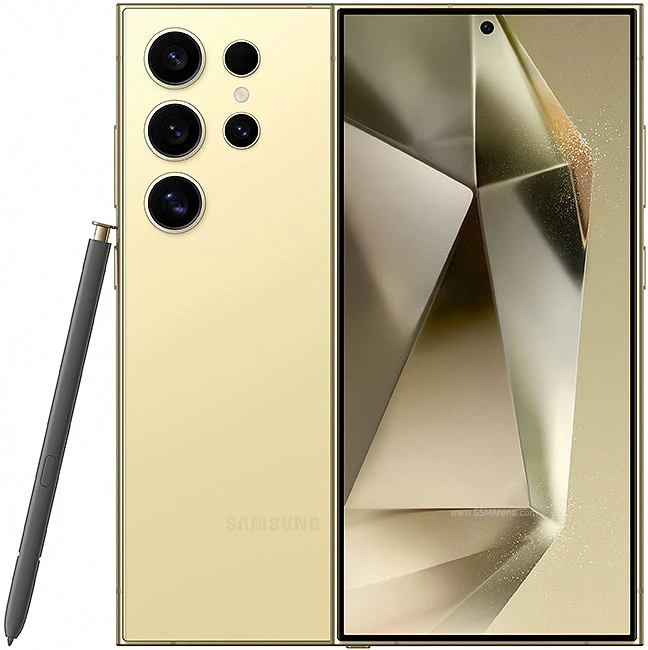
Samsung Galaxy S24 Ultra
12GB RAM, Snapdragon 8 Gen 3 (4 nm), Titanium frame • 5000 mAh • TAC: 35167624
An average eUICC non-volatile EEPROM/NOR Flash memory block typically ranges from 384 KB to 1024 KB (1 MB). Within this microscopic footprint, the chip must store:
- The eUICC Operating System (ECASD): Root certificates, elliptic curve cryptography (ECC) keys, and GSMA SGP.22 compliance engines (~128 KB – 256 KB).
- Issuer Security Domain (ISD-R & ISD-P): The routing and profile management domains orchestrated by the Local Profile Assistant (LPA).
- Operational Profiles (MNO/MVNO SIM Data): Network access applets, cryptographic subscriber keys (K, Ki, OPc), and carrier-customized SIM Application Toolkits (USAT).
Mathematical Modeling: Why Profile Capacity Fails
Device manufacturers frequently advertise that a device can “store up to 8 or 10 eSIMs.” However, this claim assumes minimal base profiles. When users frequently switch between international eSIM data plans and domestic mobile network operators, memory fragmentation and bloated SIM applets quickly cause allocations to fail.
| Profile Type | Typical Size | Included Applets / Features | Maximum Count (512 KB Usable) |
|---|---|---|---|
| Lightweight Travel Roaming eSIM | 35 KB – 50 KB | Data-only, minimal USIM applet, no USAT | 10 – 14 profiles |
| Standard Tier-1 Domestic Carrier | 65 KB – 90 KB | Voice, SMS, 5G SA credentials, VoWiFi keys | 5 – 7 profiles |
| Legacy MNO with Heavy Toolkits | 110 KB – 140 KB | Banking STK applets, multi-IMSI applets, roaming files | 3 – 4 profiles |
Consider a device with a 512 KB allocation pool. If a user maintains two heavy Tier-1 MNO profiles (120 KB × 2 = 240 KB), one enterprise profile (90 KB), and two expired travel eSIMs (45 KB × 2 = 90 KB), the total consumption sits at 420 KB. Attempting to install a new regional roaming profile requiring 98 KB triggers an immediate hardware allocation fault:
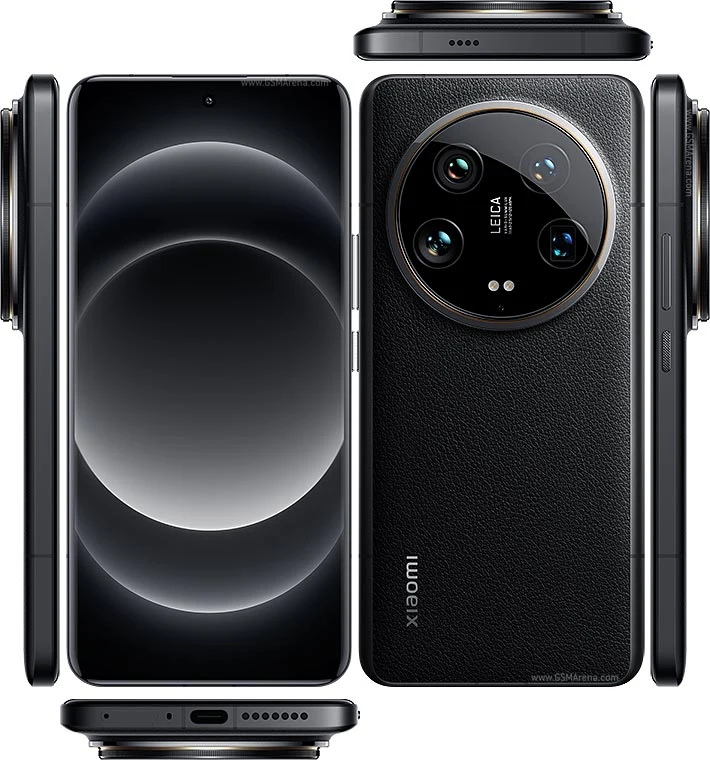
Xiaomi 14 Ultra
• 4500 mAh Batarya • 5G NR Band 20 / n78 Sertifikalı
Allocated Memory (420 KB) + Requested Profile (98 KB) = 518 KB > Available Partition (512 KB)
⇒ Error Code: GSMA SGP.22 SubjectCode: 8.2.6 (Profile), ReasonCode: 3.8 (Insufficient Memory)
Step-by-Step Fixes for eUICC Memory Depletion
1. Purge Inactive and Orphaned Profiles
Disabling an eSIM in iOS or Android does not release its memory. The non-volatile storage remains mapped until the operational profile is explicitly deleted:
- iOS (iPhone): Navigate to Settings > Cellular (or Mobile Data). Tap each expired or unused roaming plan, scroll down, and tap Delete eSIM.
- Android (Pixel / Samsung): Go to Settings > Network & Internet (or Connections) > SIMs / SIM Manager. Select unused profiles and tap Remove.
2. Force LPA Cache Invalidation
Sometimes, an aborted remote SIM provisioning (RSP) session leaves unindexed, orphaned payload blocks on the chip. To clear LPA cache locks without wiping user media, execute a dedicated network stack reset:
- iOS: Settings > General > Transfer or Reset iPhone > Reset > Reset Network Settings.
- Android: Settings > System > Reset Options > Reset Wi-Fi, mobile & Bluetooth.
3. Verify Carrier Lock and Provisioning State
Attempting to install an uncertified profile on a device subject to carrier restrictions can generate anomalous memory errors. Ensure the smartphone has completed its official carrier unlock procedure so the LPA can validate certificates across diverse GSMA discovery trees. In addition, ensure your device bands align with local base stations using the 4G/5G Frequency Compatibility Checker before activating foreign eSIM profiles.
Financial Implications: Secondary Markets, Trade-Ins, and Warranties
Repeated memory errors that persist after complete factory resets typically indicate physical EEPROM sector degradation or write-cycle exhaustion inside the Secure Element. While rare, persistent eUICC chip failure directly impacts hardware viability and consumer finances:
- Trade-In Value Depreciation: Automated diagnostic kiosks and refurbishing hubs run functional checks on secondary IMEI channels. A corrupted eUICC chip can downgrade a device from “Grade A” to “Parts Only,” slashing your trade-in value by up to 60%—turning a $700 residual valuation into barely $280.
- Smartphone Financing Liabilities: When hardware faults occur on devices under active smartphone financing agreements, carriers often require the balance to be maintained or settled before underwriting an exchange.
- Insurance Coverage: Hardware-level secure element failure is classified as an internal component malfunction. It should be claimed under comprehensive mobile device insurance or OEM extended warranty programs (e.g., AppleCare+, Samsung Care+) rather than writing off the phone as total loss.
- Secondary Market Due Diligence: Before buying or selling a pre-owned handset, always verify that it has a verified clean IMEI free of carrier financing blocks or unpaid equipment leases.
Summary Recommendation
To avoid running out of eUICC space while traveling or testing networks, adopt an active SIM hygiene policy: delete temporary roaming profiles immediately upon completing your trip, keep no more than 3 to 4 profiles loaded concurrently, and always verify carrier unlocking status prior to provisioning international eSIMs.