Why Smartphones Display Fake 5G Icons Over LTE: Upper Layer Indication Explained
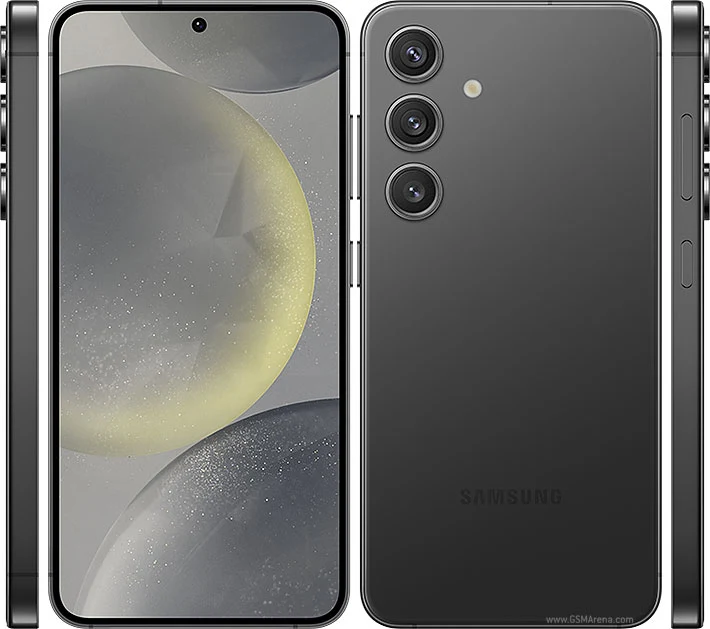
Samsung Galaxy S24
8/12GB RAM, Snapdragon 8 Gen 3 • 4000 mAh • 6.2", 1080x2340 pixels
You look at the status bar of your newly purchased flagship smartphone and see the bold 5G icon glowing back at you. Yet, running a speed test yields a mediocre 22 Mbps download rate with 65 ms latency—identical to legacy 4G LTE. You are not imagining things: millions of mobile subscribers routinely experience a phenomenon industry engineers call the fake 5G icon. Driven by a 3GPP telecommunications protocol field known as Upper Layer Indication (ULI), your device displays next-generation connectivity even when transmitting and receiving zero 5G data packets.
The Architectural Root: 3GPP Non-Standalone (NSA) and EN-DC
To comprehend why mobile operators present phantom 5G status indicators, one must understand the evolution from 4G to 5G. Transitioning overnight to a pure 5G Standalone (SA) architecture requires immense capital expenditure. As an intermediate compromise, the 3GPP standards body standardized Option 3x (Non-Standalone / NSA) via EN-DC (E-UTRA-NR Dual Connectivity) in Release 15.
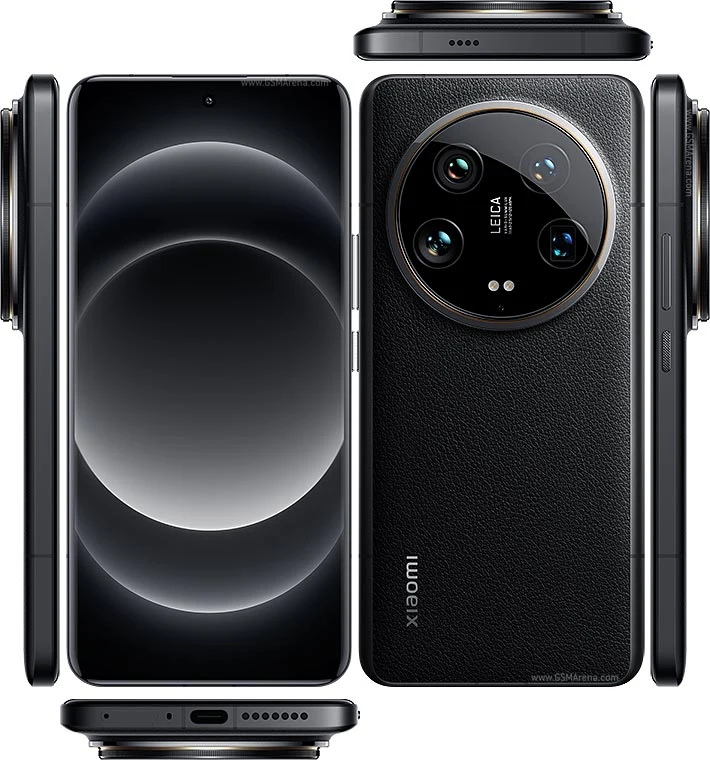
Xiaomi 14 Ultra
• 4500 mAh • TAC: 86942106
Under EN-DC, the master radio node is a standard LTE eNodeB (eNB) anchor, while the secondary node is a 5G gNodeB (gNB). Your smartphone relies on the LTE anchor for all core control signaling (RRC—Radio Resource Control), mobility management, and paging. The secondary 5G NR carrier is activated strictly opportunistically when high throughput demands arise. Before committing to hardware upgrades and network options, validating your handset's baseband radio modem capabilities across international bands is essential.
What is Upper Layer Indication (ULI)?
Within the LTE System Information Block Type 2 (SIB2) or in dedicated RRCConnectionReconfiguration messages, 3GPP engineers included a single-bit information element: upperLayerIndication-r15. When set to TRUE, this single digital flag broadcasts from the 4G cell tower to your baseband modem that:
"This LTE anchor cell belongs to a tracking area where 5G New Radio (NR) coverage is theoretically co-located or accessible via Dual Connectivity."
Crucially, the upperLayerIndication flag does not verify that your device has established an active Radio Link on a 5G NR carrier (such as Band n78 or n41). It merely confirms that the tower's base station software has turned on dual-connectivity readiness in that geographic cluster.
Samsung Galaxy Z Fold6
7.6", 1856x2160 pixels • 4400 mAh Batarya • 5G NR Band 20 / n78 Sertifikalı
GSMA Deployment Configurations: Four Shades of 5G Icons
To standardize when the UI status indicator should illuminate the "5G" logo, the GSMA published four distinct display policies (Configurations A, B, C, and D) in technical document TS.40:
| GSMA Config | LTE Anchor State | NR Carrier Attached? | Icon Displayed |
|---|---|---|---|
| Config A | LTE RRC Connected | Active Data Flow on 5G NR | 5G (True Flow) |
| Config B | LTE RRC Connected | NR Configured (No Active Data) | 5G |
| Config C | LTE RRC Connected (ULI=TRUE) | NO (Only LTE Allocated) | 5G (Misleading) |
| Config D | LTE RRC Idle (ULI=TRUE) | NO (Zero Connection) | 5G (Pure ULI Illusion) |
The vast majority of North American and European tier-one mobile operators mandate Config D or Config C via custom carrier bundles (carrier policy XML files pushed via iOS and Android updates). Under Config D, as long as your phone is idling on an LTE cell broadcasting upperLayerIndication = TRUE, your status bar exhibits a 5G logo. You might remain in an idle RRC state with zero 5G spectrum assigned.
Throughput Math: LTE Anchor vs. Mid-Band 5G NR
Why does this difference matter from an engineering standpoint? Consider the theoretical Shannon-Hartley capacity differential between an LTE-only anchor and an active 5G NR secondary carrier:
C = B × log2(1 + SNR)
Suppose your device rests on an overcrowded LTE Band 20 (800 MHz) with a bandwidth B = 10 MHz (approx. 50 Resource Blocks) at 64-QAM. Its practical peak single-stream throughput rarely exceeds 75 Mbps. In contrast, attaching a real 5G NR n78 Time Division Duplex carrier (B = 100 MHz, 256-QAM, 4×4 MIMO) yields theoretical physical throughput exceeding 1.4 Gbps.
When ULI forces the icon to read "5G" on Band 20, consumers experience an 18-fold capacity deficit compared to true mid-band NR. You can evaluate whether your device possesses the required radio bands for authentic high-speed networks using our 4G/5G Frequency Compatibility Checker.
Consumer Finance Implications: Smartphone Financing and Trade-In Value
The technical illusion of Upper Layer Indication has tangible financial ramifications for consumers navigating smartphone financing agreements and carrier trade-ins. When users sign 36-month device payment plans amortizing a $1,200 flagship, they expect authentic gigabit capabilities. Instead, network congestion masked by artificial 5G branding often leaves consumers paying a premium for an upgraded radio modem that operates primarily on saturated 4G bands.
Furthermore, when preparing to monetize a handset, assessing market trade-in value requires auditing the radio baseband health and network status. Before transacting on the secondary market or underwriting third-party mobile device insurance, always run an authentication check through our IMEI Validator & Device Verifier to ensure the hardware is unencumbered by outstanding carrier subsidies.
Secondary Markets: Carrier Unlock, Clean IMEI, and Roaming
When acquiring pre-owned hardware, fake 5G signaling can mask network lock constraints. A locked device operating on an MVNO might broadcast a 5G icon via ULI while baseband firmware prevents authentic 5G NR carrier aggregation until an official carrier unlock is completed. Secondary buyers must confirm the device possesses a verifiable clean IMEI without financial holds or reported losses using the Stolen & Blacklist Checker.
Similarly, international travelers provisioning overseas eSIM data plans often spot the 5G icon instantly upon touching down in a foreign hub. However, if roaming agreements between the home carrier and local host lack dual-connectivity peering agreements, data continues routing over legacy 4G backhaul at international latency rates (350+ ms). Calculating proper roaming expectations ahead of time with our Travel eSIM & Roaming Calculator prevents unexpected overages and performance deficits.
How to Check for True 5G on Android and iOS
To bypass the carrier-scripted status bar and determine whether your modem is genuinely linked to an active 5G NR secondary carrier:
- iOS (Field Test Mode): Open the Phone dialer and input
*3001#12345#*, then hit Call. Navigate to RAT Info → Serving Cell Info. Check theDeploymentType. If it reads5G NSA, locate the parameternr_Status. If it indicatesNOT_RESTRICTEDbut no active NR bandwidth is configured, you are on a ULI-induced phantom 5G connection. - Android (Engineering / Service Mode): On Samsung devices, dial
*#0011#. Review theNR5G Statusline. If it indicatesNR RESTRICTEDorNONEwhile displayingULI: 1, your mobile phone is routing data entirely over LTE. - Diagnostic Apps: Use rootless telemetry utilities such as NetMonster or CellMapper to observe real-time Layer 1 Radio Link parameters.
Summary
The Upper Layer Indication (ULI) mechanism was engineered to optimize radio resource coordination during the complex transition from LTE to 5G. However, its adoption by mobile marketing divisions transformed a minor 3GPP signaling bit into a ubiquitous optical illusion. Knowing whether your device is operating over true NR spectrum or idling on legacy LTE enables informed decisions regarding data contracts, device purchases, and international roaming selections.
Frequently Asked Questions
What is Upper Layer Indication (ULI) in 5G networks? ▼
Upper Layer Indication is a single-bit information element (upperLayerIndication-r15) defined in 3GPP Release 15 within LTE SIB2 broadcast signaling. It tells a smartphone that the current LTE cell is located within an area supporting 5G Non-Standalone (NSA) coverage, prompting the phone to show a 5G icon even if no 5G data radio link is active.
Does seeing a 5G icon guarantee faster data speeds? ▼
No. Under GSMA Config D and Config C, the 5G icon can be displayed when your smartphone is connected solely to a 4G LTE anchor band with zero 5G NR secondary carriers assigned, delivering conventional LTE throughput.
How can I verify if my phone is using real 5G or fake 5G via ULI? ▼
You can inspect low-level modem metrics via Field Test Mode on iOS (*3001#12345#*) or Service Mode on Android (*#0011# on Samsung). Look for NR_Band, NR_ARFCN, or secondary cell (SCell) status. If these show no allocated NR carriers despite the status bar icon, you are on a ULI-driven LTE link.
Does a carrier unlock fix or alter the ULI fake 5G display? ▼
A carrier unlock permits you to use foreign or alternate SIM cards, but the display of the 5G icon is governed by the serving operator's cell tower configuration (SIB2 broadcast) and the device's carrier bundle profile, not the SIM lock status itself.