How to Check the IMEI Number on a Phone with a Broken Screen or Dead Battery
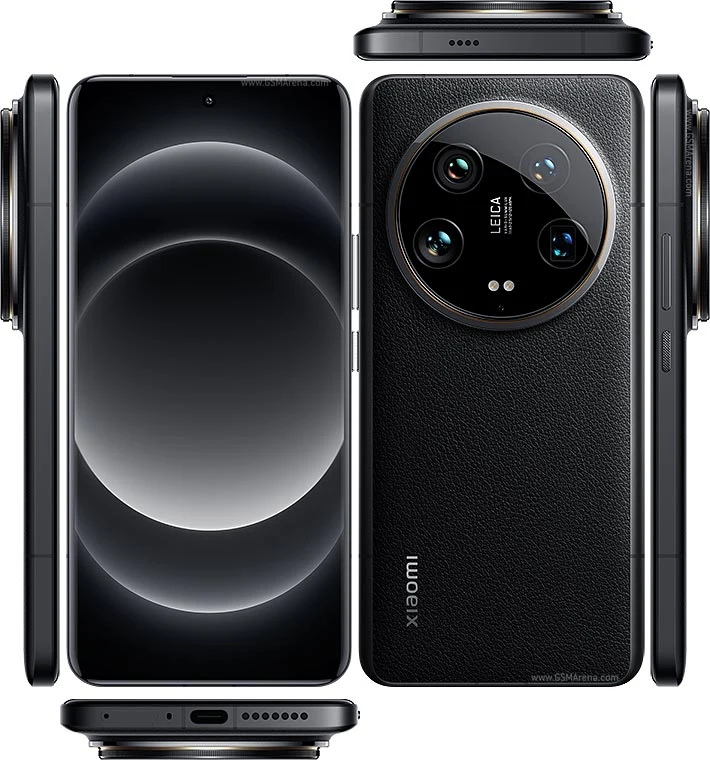
Xiaomi 14 Ultra
• 4500 mAh •
A catastrophically cracked OLED panel or a completely dead logic board can instantly paralyze your mobile device. Beyond the immediate loss of access to your operating system, hardware failure creates a critical roadblock: you cannot dial *#06# to display the 15-digit International Mobile Station Equipment Identity (IMEI). Retrieving this hardware identifier is non-negotiable when filing a mobile device insurance claim, processing a carrier unlock, confirming smartphone financing settlement balances, or establishing salvage trade-in value.
1. Physical Hardware Extraction: SIM Trays and Enclosure Markings
Telecommunications manufacturing standards established by 3GPP and regional regulators mandate that primary radio frequency equipment include persistent hardware identification. When the screen produces zero luminative output and the battery refuses charging currents, physical chassis inspection is your first recovery vector.
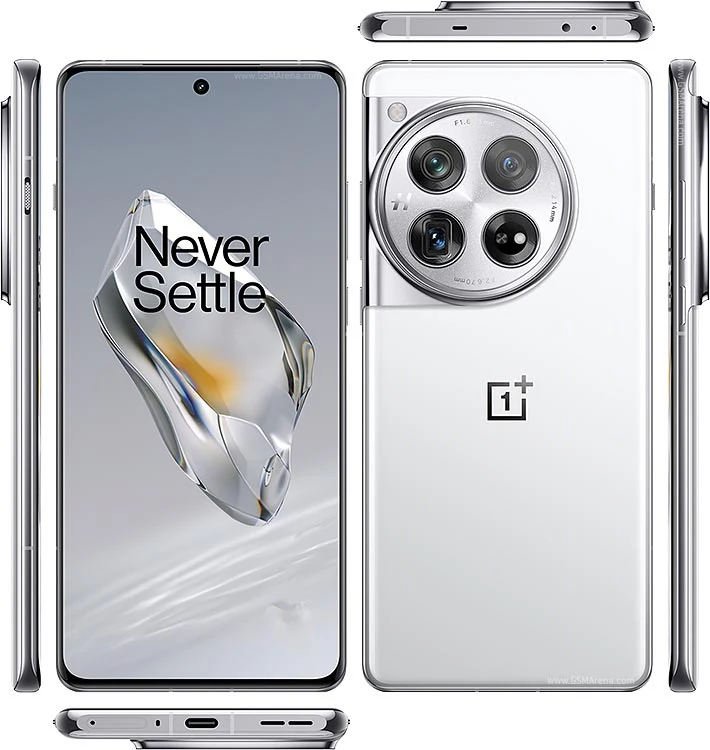
OnePlus 12
• 4500 mAh • TAC: 35167824
The SIM Tray Method
Most modern smartphones with physical nano-SIM slots have the 15-digit IMEI mechanically laser-etched onto the SIM tray structural spine.
- Apple iPhone (iPhone 6s through iPhone 13, plus global iPhone 14/15/16 variants): Insert an ejection pin into the eject hole. Pull out the tray and inspect the top surface facing the screen. The 15 digits represent the primary IMEI (IMEI1).
- Samsung Galaxy (S-Series and Note Series): Eject the dual or single SIM tray; look for micro-engraved lettering near the hinge lip. Magnification (such as a macro lens or jewelry loupe) is often necessary because the font pitch is less than 0.8mm.
- Google Pixel: The tray spine lists the model number alongside the IMEI1 string.
Rear Glass and Chassis Micro-Etching
Older smartphones (including iPhone 6, iPhone 5s, older Google Nexus models, and many mid-tier Android devices) feature the IMEI etched directly into the anodized aluminum back cover beneath the brand insignia. Note that if the housing was previously replaced via unauthorized third-party repairs, the external housing stamp may no longer match the internal baseband processor. Verify any extracted identifier using an IMEI Validator before submitting paperwork.
2. Ecosystem Cloud Portals: Remote Device Registry
Both Apple and Google sync unique baseband identifiers to cloud management accounts upon device provisioning. This allows users to obtain hardware identity data remotely without needing a working touchscreen or motherboard.
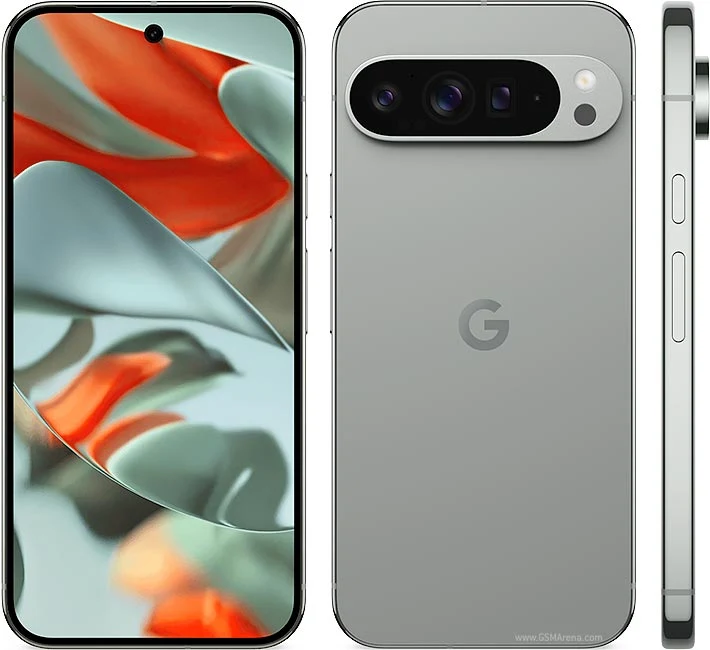
Google Pixel 9 Pro XL
• 4500 mAh Batarya • 5G NR Band 20 / n78 Sertifikalı
Apple iCloud Ecosystem
- Navigate to
appleid.apple.comin any browser. - Sign in with your Apple Account credentials.
- Select the Devices sub-menu from the sidebar.
- Click on your damaged device to view a modal window showing serial number, IMEI/MEID, and EID.
Google Find My Device & Dashboard
- Visit
google.com/android/find. - Log into the primary Google account linked to the dead unit.
- Locate the target handset in the top device tray.
- Click the circular Device Information icon (i) adjacent to the handset name to reveal the IMEI and first-registration timestamp.
3. Retail Packaging, Invoices, and Network Operator Records
If the device is completely bricked and cloud access is restricted by multi-factor authentication (MFA) prompts sending codes to the dead handset, physical collateral documents become the primary recovery channel:
- The Original Box Barcode Label: Every OEM box carries a white security label detailing the SKU, serial number, and 15-digit IMEI. The first 8 digits represent the Type Allocation Code (TAC), indicating OEM and model, followed by the 6-digit Serial Number (SNR) and a 1-digit Luhn Check Digit (CD).
- Carrier Billing Portals: Cellular service providers record the active Equipment Identity Register (EIR) string whenever a handset handshakes with cellular towers. Log into your Verizon, AT&T, T-Mobile, or regional carrier portal, navigate to "Device Management" or view your PDF billing statements where hardware identifiers are printed per line item.
- Original Proof of Purchase: Retail purchase receipts from authorized retailers list the equipment IMEI for warranty and theft-deterrence tracking.
Before executing private resale transactions on hardware with salvageable components, verify the integrity of the device using our Stolen & Blacklist Checker to confirm a clean IMEI, and generate a legally recognized 2nd Hand Bill of Sale.
4. Financial Analysis: Dead Device Salvage vs. Insurance Settlement
Locating the IMEI directly determines your financial recovery options. Without this identifier, insurers reject claims, leaving you to absorb the full financial loss. Below is a comparative economic breakdown based on a broken Apple iPhone 14 Pro (128 GB) experiencing display and power failure under an active insurance policy.
| Recovery Scenario | Required Action | Out-of-Pocket Expense | Residual Asset Value | Net Financial Delta |
|---|---|---|---|---|
| Claim Denied (IMEI Unobtainable) | Sold for salvage board parts | $0 | $85.00 | -$914.00 (MSRP loss) |
| Mobile Insurance Replacement | Deductible paid via validated IMEI | $99.00 (Tier deductible) | $620.00 (Refurb value) | +$521.00 net equity |
| Tiered Carrier Trade-in | IMEI provided for damaged promo | $0 | $400.00 bill credits | +$400.00 net equity |
As the table demonstrates, unearthing the IMEI changes an asset from an $85 salvage board to over $500 in preserved net equity. Knowing this identifier is equally important when shifting to alternate devices; it lets you check carrier compatibility using our 4G/5G Frequency Compatibility Checker before activating new eSIM data plans.
5. Engineering Considerations: eSIM-Only Architecture
Beginning with the iPhone 14 series in the North American market, manufacturers have increasingly moved to pure eSIM architectures, completely eliminating the physical SIM tray. On these devices, the physical fallback vector is gone.
When a screen is broken on an eSIM-only model, you cannot rely on a physical SIM slot inspection. Instead, you must use cloud telemetry platforms (Apple Account dashboard, Google Find My), review carrier records via network HLR/HSS queries, or inspect the retail packaging barcode. For enterprise-managed devices, Mobile Device Management (MDM) platforms such as Microsoft Intune or Jamf log both the IMEI1 and 32-digit Embedded Identity Document (EID) automatically.
Frequently Asked Questions
Can I read the IMEI number via a computer connection if the screen is dead? ▼
Yes. If the smartphone powers on despite the broken display, connecting it via USB to a computer can yield the IMEI. On macOS or Windows with iTunes/Apple Devices installed, an iPhone will display its serial number and IMEI when clicked in the device summary interface. For Android, if USB Debugging was previously enabled, executing the command 'adb devices' and querying system properties via 'adb shell getprop ro.boot.serialno' or baseband properties will expose the hardware identifiers.
Is the IMEI printed inside the battery compartment on modern phones? ▼
On older smartphones with user-removable lithium-ion batteries, the regulatory sticker inside the battery well displays the 15-digit IMEI. However, modern sealed glass-and-aluminum devices no longer provide this access point. Attempting to pry open glued back panels can puncture the pouch battery, posing a thermal runaway hazard.
Does my network carrier know my IMEI if the phone cannot power on? ▼
Yes. Cellular networks continuously record the IMEI of every device communicating with their cell towers inside their Equipment Identity Register (EIR). Your mobile service provider links this hardware identifier directly to your SIM/eSIM profile on billing and provisioning platforms, allowing customer support to retrieve it for you.
Can I trade in a dead smartphone without an IMEI? ▼
No. Certified trade-in programs, carrier upgrade promotions, and authorized buyback vendors require a valid, non-blacklisted IMEI to process credits and comply with anti-fencing regulations. Without an IMEI, devices are typically rejected or classified strictly as zero-value electronic waste.