Why Imported Smartphones Cannot Use Japanese Transit Cards (Suica & Pasmo): Hardware & FeliCa Explained

Apple iPhone 16 Plus
8GB RAM, Apple A18 • 4674 mAh • 6.7", 1290x2796 pixels, Super Retina XDR OLED
Every year, millions of international travelers, digital nomads, and expatriates arrive at Tokyo's Haneda or Narita airports, tap their foreign-purchased flagship smartphones against the commuter ticket gates (such as JR East or Tokyo Metro), and are met with an abrupt red light and an error buzzer. Despite having cutting-edge hardware, standard Near Field Communication (NFC) chips, and valid payment profiles, imported Android devices universally fail to emulate digital transit cards like Suica, Pasmo, and ICOCA. Understanding why this happens requires examining radio frequency protocols, embedded Secure Element (eSE) architecture, Japanese telecommunications law, and the economics of global mobile engineering.
The Core Architectural Divide: NFC-A/B vs. NFC-F (Sony FeliCa)
In Western markets and international telecoms, contactless mobile transactions are dominated by two primary ISO standards: ISO/IEC 14443 Type A (used predominantly by Mastercard, NXP MIFARE, and Visa) and Type B (frequently deployed in biometric passports and national ID cards). Together, these form the foundation of conventional contactless payments in Europe, the Americas, and Australasia.
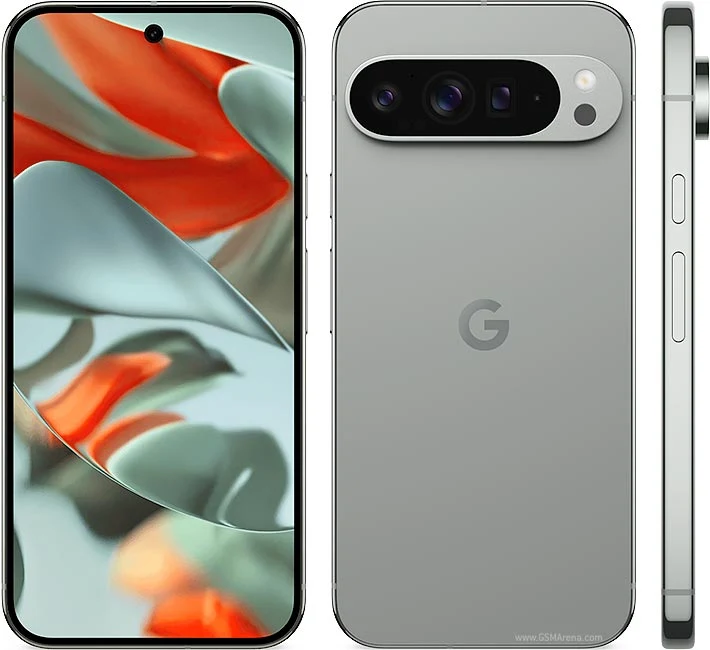
Google Pixel 9 Pro XL
• 4500 mAh • TAC: 35512399
Japan, however, adopted JIS X 6319-4, commercially engineered by Sony as FeliCa (Fast and Efficient Light Card) and formalized internationally as ISO/IEC 18092 (NFC-F). Developed specifically for high-density public transport systems, FeliCa was designed around strict physical throughput constraints:
| Specification / Metric | Standard Global NFC (ISO 14443-A/B) | Sony FeliCa (NFC-F / JIS X 6319-4) |
|---|---|---|
| Maximum Data Transfer Rate | 106 to 424 kbps | Up to 848 kbps |
| Transaction Latency Target | 350 ms – 500 ms | ≤ 100 ms – 200 ms |
| Gate Commuter Throughput | Approx. 30–40 passengers/minute | Up to 60 passengers/minute |
| Mutual Authentication Time | ~150 ms | ≤ 40 ms |
Consider the physical engineering challenge: Shinjuku Station processes over 3.5 million passengers daily. If a turnstile system deployed standard ISO 14443-A encryption with a latency of 400 milliseconds, peak gate throughput would peak at roughly 35 commuters per minute, causing massive physical queues. FeliCa completes anti-collision, mutual cryptographic authentication, and balance write-back in under 100 milliseconds, maintaining a sustained throughput of 60 passengers per minute per gate.
The Android Dilemma: Osaifu-Keitai and Missing Hardware Keys
Many power users discover that the NFC transceivers inside their Snapdragon- or Tensor-powered foreign smartphones (e.g., NXP SN100T or STMicroelectronics ST54 family) are technically capable of reading and emitting NFC-F frequencies at 13.56 MHz. Despite this, transit functionality fails. The limitation is not simply the antenna; it is the absence of proprietary middleware and cryptographic provisioning.
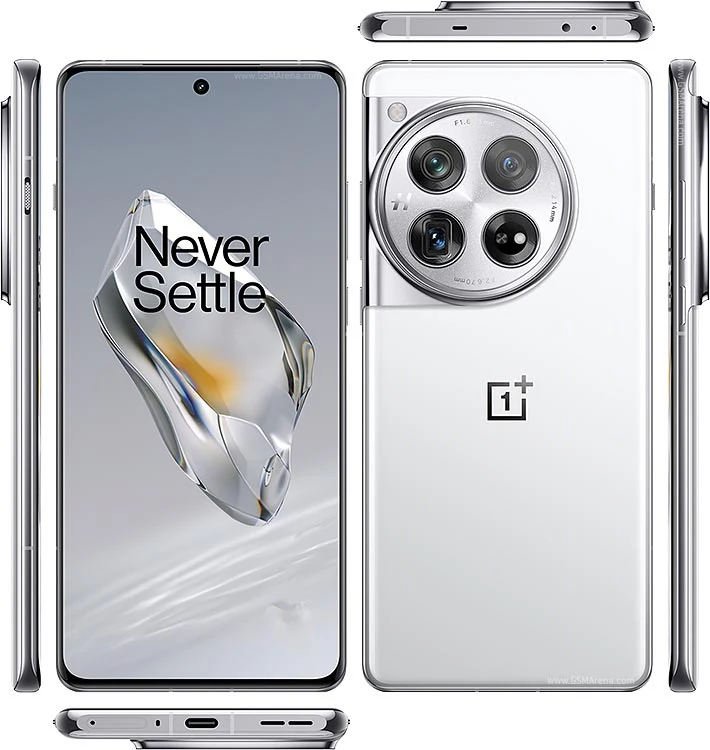
OnePlus 12
• 4500 mAh Batarya • 5G NR Band 20 / n78 Sertifikalı
In Japan, domestic Android handsets incorporate the Osaifu-Keitai (“Wallet Phone”) platform, engineered by NTT DOCOMO and managed by Mobile FeliCa Networks, Inc. For an Android handset to activate a digital Suica, Pasmo, or nanaco card, it must meet three specific criteria:
- Licensed Mobile FeliCa Chipset: The embedded Secure Element (eSE) must carry certified FeliCa cryptographic firmware keys injected during manufacturing.
- The Mobile FeliCa Client (M-FeliCa OS): A low-level system daemon that interfaces between Android's Contactless Subsystem and the secure cryptographic hardware.
- Carrier/OEM Middleware Stack: A firmware-level signature verification layer that confirms whether the phone is an authorized Japanese SKU (e.g., a domestic Pixel, Galaxy, or Xperia).
Device manufacturers avoid paying Sony and Mobile FeliCa Networks licensing fees for devices sold outside Japan to reduce unit production costs. Consequently, global Android models omit the licensed eSE partition entirely. Even after obtaining a complete carrier unlock, flashing Japanese stock ROMs onto a global Samsung Galaxy or Google Pixel will not generate missing silicon keys; the Osaifu-Keitai application will return fatal initialization errors (e.g., error code M004-900).
Why Apple Devices Are the Rare Exception
A common point of confusion is that iPhones do not suffer from this geographic fragmentation. From the iPhone 7 onwards in Japan, and starting universally with the iPhone 8, iPhone X, and Apple Watch Series 3 globally, Apple integrated universal NFC controllers that include hardware-level FeliCa provisioning across all worldwide production models.
Because Apple exercises vertical integration over its Secure Enclave and commands vast global supply-chain margins, it absorbed the per-device licensing fee across its entire international product run. As a result, an iPhone purchased in the United States, Germany, or Singapore can register a digital Suica card instantly inside Apple Wallet, bypassing Osaifu-Keitai software requirements altogether via Apple's direct cryptographic settlement framework.
Hardware Bands, Connectivity, and Network Infrastructure
Importing an overseas smartphone into Japan presents telecom challenges beyond transit cards. Japanese cellular networks (NTT DOCOMO, KDDI au, SoftBank, and Rakuten Mobile) rely heavily on proprietary frequency allocations, notably LTE Band 18/26 (KDDI platinum band), LTE Band 19 (DOCOMO rural coverage), and Band 28, alongside specialized 5G Sub-6 bands like n77, n78, and n79.
Before traveling, verify your phone's RF front-end capabilities using our 4G/5G Frequency Compatibility Checker. Many imported devices lack Band 19 and n79, which leads to degraded indoor reception and dropped data sessions in metro underground networks.
To maintain uninterrupted data connectivity for transit lookups and digital ticketing, compare roaming rates with specialized travel profiles through our Travel eSIM & Roaming Calculator, which allows travelers to configure cost-efficient local multi-carrier data without purchasing physical SIM cards at airport kiosks.
Secondary Market Considerations: Resale, Financing, and Device Legitimacy
Consumers who purchase used or parallel-imported Japanese handsets to gain Osaifu-Keitai and FeliCa transit functionality must be vigilant regarding device provenance and carrier status. Japan has strict laws governing telecommunications equipment, notably the Technical Conformity Mark (Giteki) required by the Ministry of Internal Affairs and Communications (MIC).
When sourcing a pre-owned Japanese device via international auctions or specialized refurbishers, consider these essential checks:
- Network Block Status: Validate that the phone does not have an active financial installment hold or carrier blacklist marker (“×” or “Δ” rating from Japanese carriers). Verify the device status via the IMEI Validator & Checker to confirm a clean IMEI before completing your purchase.
- Transaction Documentation: When acquiring hardware through peer-to-peer marketplaces, safeguard your purchase using a standardized 2nd Hand Bill of Sale Contract to establish legal ownership and guard against post-purchase blacklisting.
- Device Insurance & Financing: Grey-market imported phones can cause complications with third-party mobile device insurance claims. Many underwriters require certified local distribution records, and non-certified imports may invalidate repair policies or reduce your long-term trade-in value upon return.
- Financing Encumbrances: If an imported device was originally acquired through overseas smartphone financing, any default by the original owner can trigger an international remote lock or GSMA blacklist registration, rendering the handset useless even on local networks.
Summary Workarounds for Foreign Android Users in Japan
If you are entering Japan with an imported Android smartphone lacking FeliCa Secure Element hardware, software modifications cannot bypass this limitation. The most reliable solutions include:
- Procure a Physical IC Transit Card: Purchase a physical “Welcome Suica” or “Pasmo Passport” at major international terminals. These tourist-oriented plastic smartcards bypass deposit requirements and operate natively on all transit networks.
- Utilize EMV Contactless Gate Pilots: Multiple transit operators, including Tokyo Metro and Tokyu Railways, have begun rolling out open-loop contactless readers (Visa/Mastercard tap-to-ride). While coverage remains limited compared to the comprehensive FeliCa transit network, it provides direct payment options using standard international credit cards.
- Wearable Ecosystems: Certain international smartwatches (such as modern Garmin watches with FeliCa licensing or Apple Watch units) can run transit cards independently of an Android host phone.
By pairing an informed hardware assessment with reliable mobile connectivity, travelers can comfortably navigate Japan's transit systems without encountering unexpected device compatibility hurdles at the gate.