Manual SM-DP+ Server and Activation Code Configuration Guide for Travel eSIMs
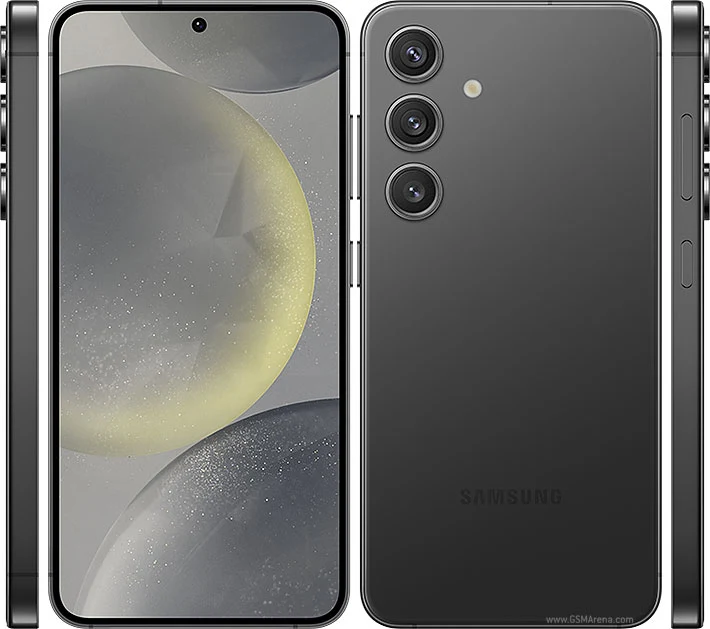
Samsung Galaxy S24
8/12GB RAM, Snapdragon 8 Gen 3 • 4000 mAh • 6.2", 1080x2340 pixels
Remote SIM Provisioning (RSP) has revolutionized international connectivity, allowing frequent flyers and digital nomads to download cellular profiles directly over the air without handling physical nano-SIM trays. However, automated QR code scans routinely fail in real-world scenarios—whether due to high display glare, single-device constraints where the QR code is stored on the target phone itself, or enterprise device management restrictions. In these operational edge cases, manually configuring the SM-DP+ (Subscription Manager Data Preparation +) server address and associated activation code is the only deterministic method to deploy travel eSIM data plans successfully.
The GSMA SGP.22 Architecture: Understanding the SM-DP+ Protocol
To execute a manual provisioning workflow, one must first comprehend the telecommunication architecture governed by the GSMA SGP.22 Consumer Remote SIM Provisioning specification. An eSIM profile is not merely a collection of access credentials; it is an encrypted software container hosted within the eUICC (Embedded Universal Integrated Circuit Card), a tamper-resistant hardware component soldered directly to your smartphone's logic board.

Apple iPhone 16 Pro Max
8GB RAM, Apple A18 Pro • 4685 mAh • TAC: 35987116
When provisioning an eSIM, three core entities communicate:
- The LPA (Local Profile Assistant): A software stack built into modern mobile operating systems (iOS, Android, Windows) that bridges the device interface, the hardware eUICC, and the external server.
- The SM-DP+ Server: An authorized telecommunications infrastructure server responsible for profile generation, encryption, and secure distribution over Transport Layer Security (TLS 1.2 or 1.3).
- The eUICC Chip: The hardware security module holding the GSMA root certificates, ensuring only verified profile packages from compliant servers are decrypted and installed.
A standard GSMA-compliant activation string is encoded in the following uniform format: LPA:1$SM-DP+FQDN$MATCHING_ID$CONFIRMATION_CODE. When configuring manually, you isolate the SM-DP+ Server Address (the Fully Qualified Domain Name, e.g., rsp.example-carrier.com) from the Activation Code / Matching ID (a unique alpha-numeric cryptographic identifier, e.g., B3A87-992F0-848D2).
Pre-Flight Hardware Checks: Locks, Financing, and Device Pedigree
Before attempting manual SM-DP+ entry, verifying your hardware's network authorization state is imperative. An invalid baseband status will cause the provisioning process to terminate with cryptic error codes such as "Unable to Complete Cellular Plan Change" (iOS) or "SIM Not Allowed" (Android).
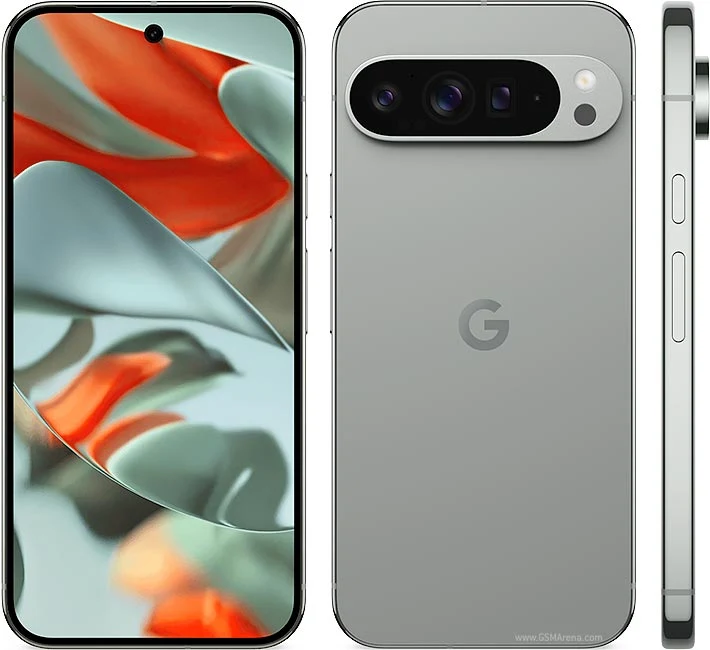
Google Pixel 9 Pro XL
• 4500 mAh Batarya • 5G NR Band 20 / n78 Sertifikalı
Crucial Hardware Pre-Requisites
- Mandatory Carrier Unlock: The device must not possess a carrier subsidy lock. Even if you hold an active contract, requesting an official carrier unlock from your originating network operator is required before third-party eSIM profiles can register on foreign base stations.
- Financial Status and Smartphone Financing: If your terminal was acquired via active smartphone financing, some retail carriers apply software policy locks to the primary baseband, preventing secondary profile activation until financial obligations clear.
- IMEI Integrity Verification: Prior to international deployment or acquiring pre-owned hardware, always verify that your eUICC possesses a clean IMEI. Devices marked as lost, stolen, or flagged for fraudulent insurance claims on global databases will be rejected by foreign roaming partners.
Step-by-Step Manual SM-DP+ Entry Guide
Ensure your device is connected to a stable Wi-Fi network. The LPA requires an uninterrupted internet connection to complete mutual authentication with the SM-DP+ server before cellular provisioning begins.
Platform A: Apple iOS (iPhone XS through iPhone 16 Series)
- Open Settings and navigate to Cellular (or Mobile Service depending on your region).
- Tap Add eSIM (or Add Cellular Plan).
- Select Use QR Code at the bottom of the display.
- When the camera viewfinder initiates, tap the manual override button: Enter Details Manually at the bottom of the screen.
- Populate the fields accurately:
- SM-DP+ Address: Paste strictly the fully qualified domain (e.g.,
cust-subscriber.esim-go.com). Exclude trailing spaces, leading protocol identifiers (do NOT typehttps://), and special formatting characters. - Activation Code: Paste the unique Matching ID (often a 20- to 32-character hexadecimal string).
- Confirmation Code: Input the 4-to-8 digit PIN if mandated by the vendor (leave blank if none provided).
- SM-DP+ Address: Paste strictly the fully qualified domain (e.g.,
- Tap Next. The LPA will initiate a TLS handshake with the SM-DP+ server. Once verified, follow the on-screen prompts to assign cellular labels (e.g., "Travel Data").
Platform B: Google Android (Pixel, Samsung Galaxy, and Modern Flagships)
- Navigate to Settings > Network & internet (or Connections on One UI) > SIMs > Add SIM.
- Select Download a SIM instead or Add eSIM.
- When prompted to scan a QR code, locate and tap Enter code manually or Need help? followed by Enter it manually.
- Enter the full provisioning string or populate the individual fields as designated by your device's UI:
- If a single unified string field is provided, input:
LPA:1$SM-DP-SERVER.COM$ACTIVATION-CODE - If discrete fields are displayed, input the SM-DP+ server host into the server field and the matching code into the activation code box.
- If a single unified string field is provided, input:
- Select Continue to download and activate the profile into your eUICC memory partition.
Financial Analysis: Domestic Roaming Passes vs. Travel eSIM Economics
Understanding how eSIM data plans compare to standard carrier roaming passes reveals substantial financial leverage for consumer budgets. Traditional domestic carriers typically charge a daily flat rate for international roaming access, which compounds rapidly over a multi-week deployment.
| Connectivity Solution | Daily Equivalent Rate | 14-Day Trip Cost (10 GB Cap) | Annualized Travel Cost (3 Trips) |
|---|---|---|---|
| Tier-1 Carrier Roaming Pass ($12/Day) | $12.00 / day | $168.00 | $504.00 |
| Domestic Pay-As-You-Go ($2.05/MB standard) | Variable (Extremely High) | $2,000.00+ (Bill Shock Risk) | Unviable |
| Manual Travel eSIM (10 GB Bundle) | $1.21 / day | $17.00 | $51.00 |
The financial delta is significant: provisioning an eSIM via manual SM-DP+ reduces direct mobile roaming expenditure by 89.8% over a 14-day trip ($168 vs. $17). Over three typical trips per calendar year, the cumulative savings of $453 exceed the annualized premium of premium mobile device insurance policies or directly subsidize device depreciation, safeguarding the future trade-in value of your flagship handset.
Hardware Band Compatibility and RF Considerations
Successfully downloading the profile via the SM-DP+ server completes only the logical configuration. For cellular traffic to route effectively, your handset's physical RF front-end must support the target destination's operating radio frequency bands. A device manufactured for the North American market may lack critical Time Division Duplex (TDD) bands utilized across Asia or Europe.
Before departure, verify your modem's capability using a 4G/5G Frequency Compatibility Checker. For example, deploying a US-spec terminal (lacking LTE Band 20 or Band 28) into rural Western Europe will result in degraded coverage, severe packet loss, and aggressive battery drain as the baseband processor constantly elevates transmit power (TX power up to +23 dBm) searching for viable cellular towers.
Troubleshooting Manual SM-DP+ Activation Failures
- Subject Alternative Name (SAN) Mismatch: If your input includes a typosquatted domain or missing subdomain, the TLS handshake will fail silently to prevent man-in-the-middle attacks. Ensure the domain contains no prefix spaces or HTTP wrappers.
- Firewall or VPN Interference: Corporate VPNs, ad-blocking DNS profiles, or hotel captive portals can block outbound TCP port 443 connections required for the LPA to contact the SM-DP+ infrastructure. Temporarily disable all VPNs and custom DNS profiles during the initial profile installation phase.
- Profile Exhaustion: An eSIM Matching ID is single-use. If you previously started an installation that was interrupted or cancelled on another device, the SM-DP+ will return an "Expired or Already Used" state. A newly generated profile string will be required from your MVNO provider.