Troubleshooting Greyed-Out OEM Unlocking on Paid-Off Carrier Android Phones

Apple iPhone 16 Pro Max
8GB RAM, Apple A18 Pro • 4685 mAh • 6.9", 1320x2868 pixels
You have fulfilled the terms of your smartphone financing contract, cleared the balance with your carrier, and verified that your device has a clean IMEI. Yet, navigating to Developer Options reveals a persistent roadblock: the OEM Unlocking toggle is completely greyed out or missing. This condition prevents low-level modifications, custom firmware deployment, and total control over your hardware.
Resolving this issue requires understanding the technical divergence between a radio interface carrier unlock and an application processor (AP) bootloader unlock. This guide breaks down modem partitions, cryptographic Knox Guard (KG) states, timing synchronizations, and how to successfully activate the OEM unlocking switch on paid-off devices.
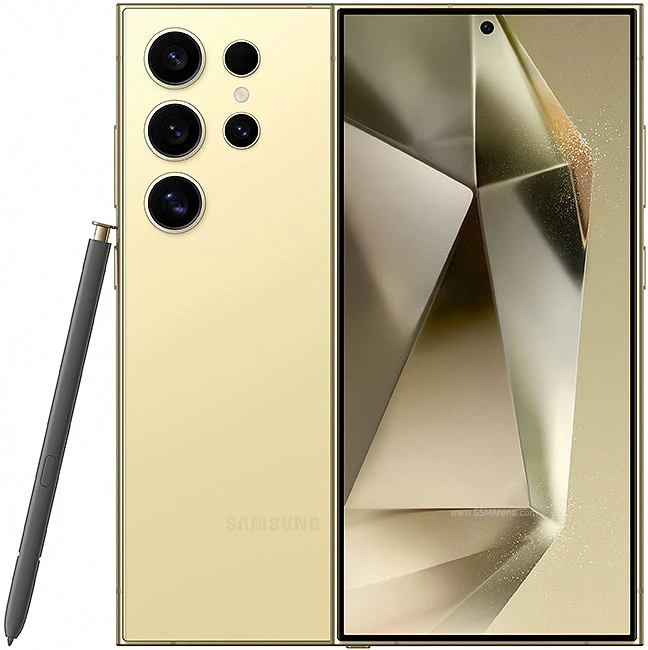
Samsung Galaxy S24 Ultra
12GB RAM, Snapdragon 8 Gen 3 (4 nm), Titanium frame • 5000 mAh • TAC: 35167624
The Core Architecture: SIM Lock vs. Bootloader OEM Unlocking
Many users confuse baseband carrier locks with the Android operating system’s cryptographic bootloader state:
- SIM / Carrier Lock: Governed by the modem baseband NVRAM/EFS partition. It restricts radio registration to specific Public Land Mobile Network (PLMN) IDs. Unlocking allows you to switch carriers or use low-latency eSIM data plans when traveling internationally.
- OEM Unlocking (Bootloader): Governed by Android Developer Options and the system partition bootloader configuration (e.g., ABOOT, XBL, or LK). When enabled, it authorizes commands like
fastboot flashing unlockorfastboot oem unlockto disable kernel signature verification.
Finishing your monthly equipment payments terminates your carrier lien, but it does not automatically dispatch an OTA payload to switch the OEM unlocking bit on your device’s secure enclave.
Why Is the Toggle Greyed Out on Paid-Off Handsets?
1. Samsung KG/RMM State "Prenormal"
Samsung devices utilize Remote Mobile Management (RMM) and Knox Guard (KG) architecture. Even after completing carrier payoff, modern Samsung firmware enters an automated quarantine status known as Prenormal. Until the handset maintains a continuous, uninterrupted connection to Samsung’s attestation servers for a predetermined operational threshold (typically 168 active network hours), the bootloader toggle remains cryptographically disabled.
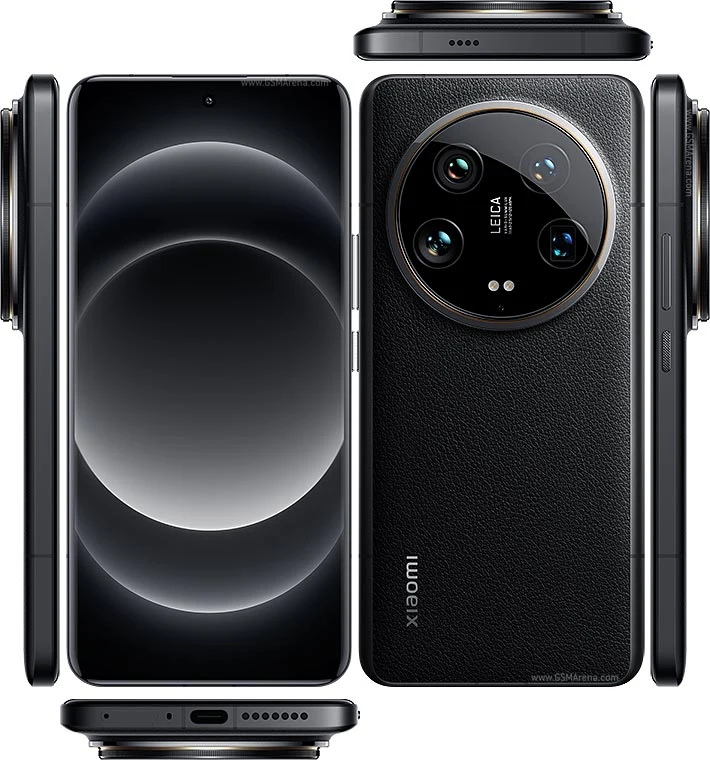
Xiaomi 14 Ultra
• 4500 mAh Batarya • 5G NR Band 20 / n78 Sertifikalı
2. Hardcoded Carrier Cryptographic Variances (e.g., Verizon, AT&T)
Certain carrier-branded models (such as North American carrier Pixel and Galaxy models ending in 'U' or 'V') feature permanent hardware write-protection inside their primary bootloader code. The carrier’s proprietary software build permanently forces ro.oem_unlock_supported=0. In these scenarios, even an official carrier unlock for mobile networks will not yield a modifiable bootloader, directly impacting secondary market trade-in value among developers and enthusiasts.
3. Delayed Billing-to-Network Provisioning Pipeline
Carrier billing portals (e.g., Amdocs, CSG) do not interface instantaneously with the central OEM activation clearinghouses (Apple GSX, Google Carrier Provisioning, or Samsung KSP). Clearing an account balance can take 48 to 72 hours to propagate downstream to the Master Equipment Database. Before executing technical overrides, run your identifier through a stolen and blacklist checker to confirm that the financial encumbrance flag has been scrubbed across GSM Association databases.
Step-by-Step Technical Troubleshooting Workflows
Method A: The System Clock & Update Interrogation Trick (Samsung Devices)
This technique resets the local operating system uptime accumulator and forces a re-attestation request to the Knox server:
- Disconnect your device from any mobile or cellular network by removing the SIM card.
- Navigate to Settings > General Management > Date and Time.
- Disable Automatic Date and Time, and roll the internal system clock backward by at least 21 to 30 days.
- Re-enable Wi-Fi and connect to a stable, unmetered network.
- Go to Settings > Software Update and tap Download and Install. Let it query the server until it returns an up-to-date or error prompt.
- Reboot the device, return to Developer Options, and inspect the OEM Unlocking toggle. If successfully triggered, the parameter will flip to enabled or become clickable.
Method B: Forcing Carrier Provisioning via ADB (Google Pixel Models)
If your Pixel device was purchased under a carrier subsidy that has since been fulfilled, the Android system may still cache the SIM-lock provisioning profile within the carrier_policy.xml file. You can prompt a refresh via the Android Debug Bridge (ADB):
adb shell am start -a android.telephony.action.MANAGE_SUBSCRIPTION_PLANS
adb shell cmd phone get-carrier-id
adb shell settings put global radio_reset_needed 1
After executing these commands, power off the phone, insert an active third-party SIM card, reboot, and connect to Wi-Fi. Verify frequency bands with our 4G/5G compatibility checker to ensure complete handshakes with the new network tower.
Financial and Warranty Implications
Unlocking bootloaders has notable financial consequences, especially regarding consumer policies and secondary market valuation.
| Device Configuration Status | Market Trade-In Value | Mobile Device Insurance Coverage | Bootloader Customization |
|---|---|---|---|
| Carrier Locked (Financed) | Baseline -40% Discount | Full (Tied to Billing Plan) | Disabled |
| Paid Off / Network Locked | Baseline -15% Discount | Applicable via 3rd Party | Greyed Out (Pending Sync) |
| Fully Factory Unlocked | 100% (Maximum Value) | Full Coverage Eligible | Enabled / Unlocked |
Crucial Warning: Triggering an OEM unlock on hardware like Samsung blows a physical eFuse (Knox bit changes permanently from 0x0 to 0x1). This alteration permanently invalidates select tier-one mobile device insurance claims involving hardware warranties, Samsung Pay, and certain enterprise MDM certifications.
Conclusion
If your carrier financing is complete, your OEM unlocking toggle should not remain blocked indefinitely. Verify that your device has been recognized as paid-off across carrier billing servers, perform the system clock handshake, or verify that your variant is not locked by carrier-specific hardware firmware. Taking these systematic steps protects your device’s long-term utility, ensures optimal trade-in equity, and puts you in control of your smartphone's hardware capabilities.
Frequently Asked Questions
What is the difference between a carrier unlock and OEM unlocking? ▼
A carrier unlock frees the device's baseband modem to connect to any compatible network operator or use eSIM data plans. OEM unlocking permits modifying the system software and unlocking the bootloader via fastboot commands.
Why is the OEM unlocking toggle greyed out if my phone is completely paid off? ▼
Carrier billing servers often experience a delay in transmitting payoff status to OEM provisioning infrastructure. Additionally, Samsung devices require an uptime handshake (exiting the Prenormal state), while some carrier-specific hardware variants permanently restrict bootloader unlocking.
Does unlocking the bootloader void my mobile device insurance policy? ▼
In many cases, tripping hardware fuses like Samsung Knox (from 0x0 to 0x1) voids original manufacturer warranties and can lead to the denial of repair claims under specific mobile device insurance plans that exclude software-modified units.
How do I check if my device has outstanding balances or financing liens? ▼
You can verify the administrative and financial status of your phone using an online IMEI validator to confirm that the hardware is free of unpaid balances, leases, or international blacklist flags.