Why Unlocked Smartphones Suddenly Relock to Carriers After Software Updates (and How to Fix It)

Apple iPhone 16 Pro Max
8GB RAM, Apple A18 Pro • 4685 mAh • 6.9", 1320x2868 pixels
Waking up to an overnight operating system update only to find your smartphone displaying a “SIM Not Supported”, “Network Locked”, or “Invalid SIM” alert is an infuriating ordeal. For consumers who paid premium prices for an unlocked device, this scenario feels like a breach of trust. Yet, this phenomenon happens to tens of thousands of mobile users annually. Understanding why a device relocks requires examining the intersection of baseband architecture, carrier activation profiles, and the economics of modern smartphone retail.
The Telecommunications Architecture: How “Unlocks” Actually Work
To comprehend why an Over-The-Air (OTA) update can suddenly lock your device, you must understand that network locks do not reside in your local apps or simple user-level settings. On both iOS and Android platforms, network locking is enforced at the baseband processor (modem firmware) and carrier provisioning layers.
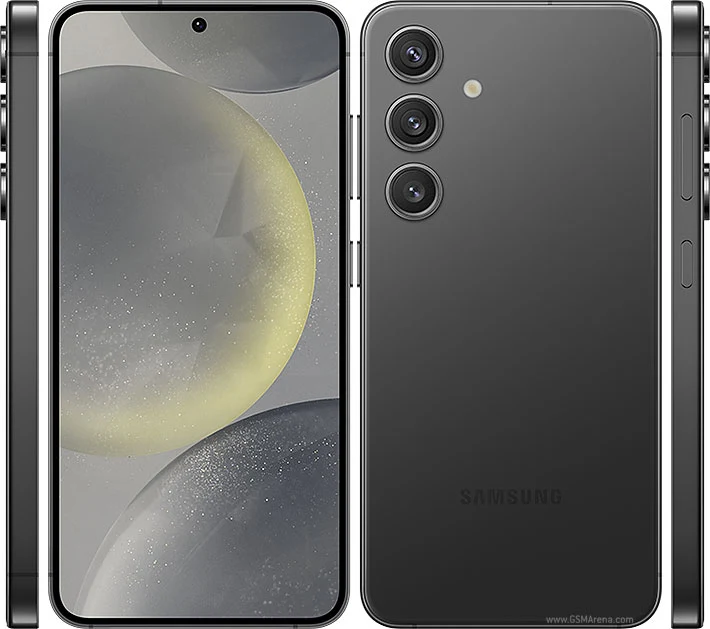
Samsung Galaxy S24
8/12GB RAM, Snapdragon 8 Gen 3 • 4000 mAh • TAC: 35167824
On Apple devices, carrier configuration is dictated by an Activation Policy hosted on remote activation servers (such as Apple’s GSX servers). When you initialize an iPhone, the device transmits its unique IMEI, Serial Number, and ICCID to the server over a TLS-encrypted handshake. The server responds with an Activation Ticket (a cryptographic token) that instructs the device’s baseband modem which Mobile Country Codes (MCC) and Mobile Network Codes (MNC) are permitted. On Android, a similar mechanism is handled via the non-volatile memory (NVRAM/QCN partitions) and carrier configuration profiles (CSC or Carrier ID frameworks).
The 4 Real Reasons Phones Relock After an OS Update
1. The Illusion of the Third-Party “Soft Unlock” or Baseband Exploit
Many devices purchased through gray-market resellers or unauthorized refurbishers were never granted a legitimate, permanent carrier unlock. Instead, technicians use temporary hardware exploits—such as R-SIM, GEVEY SIM interposers, or baseband NVRAM injection via testpoint flashing. These bypasses spoof the modem into presenting a false IMSI/TMSI pair to the network. When an official OTA update arrives, it replaces the modem firmware partition (e.g., modem.bin or NON-HLOS.bin), immediately invalidating the exploit and querying the central server for a fresh activation ticket. The server discovers the original profile and re-locks the modem.
2. The US Retail “Reseller Flex Policy” Trap
Major electronics retailers often sell phones backed by a Retail Flex Policy (commonly known as the US Reseller Flex Policy). These handsets are packaged as “unactivated” or “unlocked” on the shelf, but their internal activation profile dictates that the device will lock permanently to the carrier of the very first SIM card inserted. If a user sets up the phone with Carrier A, uses it for months, and later switches carriers or applies an update that triggers an activation profile refresh, the device will enforce the Carrier A lock policy.
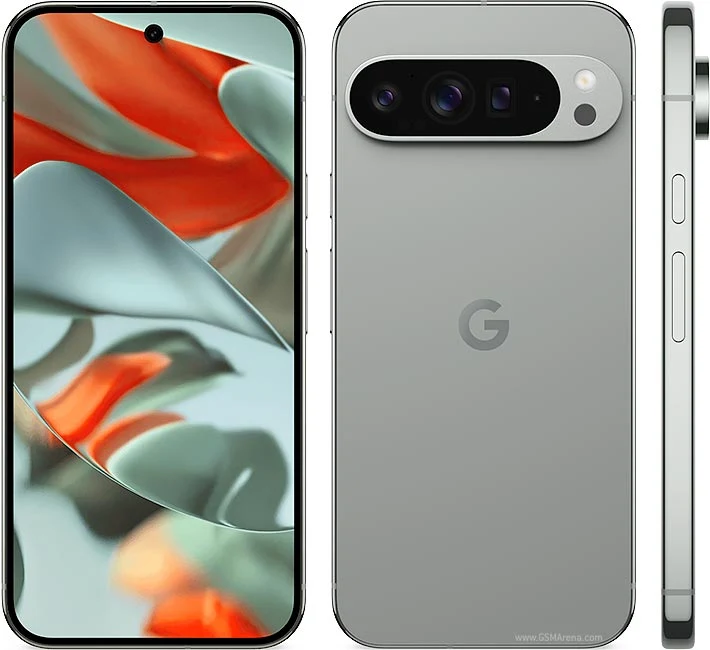
Google Pixel 9 Pro XL
• 4500 mAh Batarya • 5G NR Band 20 / n78 Sertifikalı
3. Defaulted Smartphone Financing and Secondary Blacklisting
Secondary market smartphones frequently carry unpaid balances. If an original buyer acquires a device via multi-year smartphone financing and subsequently sells it before fulfilling the payment contract, the original network provider will eventually flag the account for non-payment. While the phone might have worked temporarily during the billing grace period, the carrier updates its Central Equipment Identity Register (CEIR). The next firmware update or network ping detects the default, changing the device status from eligible to restricted, stripping network access.
4. Carrier Bundle Overwrites on Dual-SIM and eSIM Hardware
Modern smartphones rely heavily on virtualized SIM configurations. Firmware upgrades often push updated carrier bundle files that patch vulnerabilities in the Embedded Universal Integrated Circuit Card (eUICC) controller. If your carrier profile held an ambiguous or hybrid unlock status, the refreshed provisioning file will clamp down on unlicensed secondary slots, disabling flexible eSIM data plans and restricting the radio to the primary carrier’s PLMN ID.
| Unlock Method | Survives OS Updates? | Carrier Server Status | Hardware Risk Factor |
|---|---|---|---|
| OEM / Factory Carrier Unlock | 100% Yes | Whitelisted on Central GSX/OMADM | None |
| Reseller Flex Policy Lock | Conditional | Tethered to first SIM MCC/MNC | Locks upon carrier activation refresh |
| R-SIM / IMSI Interposer Exploit | 0% No | Still marked “Locked” on carrier side | Baseband patch completely breaks patch |
| Third-Party NVRAM/Modem Flashing | Rarely (0-10%) | Unregistered in OEM central database | Baseband crash or bootloop risk |
The Financial Toll: Trade-In Value, Financing, and Insurance Loss
A sudden relock is not merely an inconvenience; it represents severe financial depreciation. Consider the financial metrics below:
- Destruction of Trade-In Value: A pristine 256GB flagship phone with an authentic factory unlock commands an average secondary market or trade-in value of approximately $650. If that device drops to a carrier-locked or non-whitelisted status, buyback algorithms slash its resale value by 45% to 60%, dropping its value down to roughly $260–$350.
- Mobile Device Insurance Complications: If you file a repair or replacement claim through private mobile device insurance, underwriters verify the exact hardware variant and lock status. A discrepancy between policy onboarding records (listed as factory unlocked) and the carrier-locked diagnostic report can delay or void claim payouts.
- Emergency Roaming Expenses: Frequent international business travelers who suddenly lose access to local or regional travel eSIM profiles face roaming fees that average $10 to $15 per day from their home carrier, adding $300+ to a single international journey.
Diagnostic Checklist: How to Fix a Relocked Smartphone
Step 1: Verify Hardware Status and Ensure a Clean IMEI
Before attempting any carrier unlocking requests, identify your device’s cryptographic state. Pull up the dialer and enter *#06# to retrieve your 15-digit IMEI number. You must verify whether your device maintains a clean IMEI or if it has been marked as unpaid, lost, or stolen in the global GSMA database.
Step 2: Inspect Band Allocations and Radio Compatibility
Sometimes an update does not relock the network activation profile, but rather alters the modem firmware’s preferred frequency bands, disabling specific LTE or 5G Sub-6 configurations. Run your device details through our 4G/5G Frequency Compatibility Checker to confirm whether your device can physically communicate with your current operator’s frequency bands.
Step 3: Request an Official Carrier Unlock from the Originating Carrier
If the phone relocked to a specific operator (e.g., T-Mobile, AT&T, Verizon, Vodafone), contact their customer support team or visit their unlocking portal. Under regulatory frameworks like the US FCC rules and the UK/EU telecoms directives, carriers are legally required to unlock handsets once:
- The original installment agreement or equipment financing is paid off in full.
- The account has remained in good standing for the minimum required tenure (typically 40 to 60 days).
- The device is confirmed free of fraud reports.
Once approved, the carrier submits an unlock command directly to the manufacturer’s activation servers. You can then connect your device to Wi-Fi, reboot it, and trigger a fresh activation ticket that will permanently preserve your unlocked status across all future software versions.
Frequently Asked Questions
Can an official Apple or Android software update relock a truly factory-unlocked phone? ▼
No. If a device was purchased directly from Apple or an authorized manufacturer as a legitimate factory-unlocked model, it will never lock to a carrier after an OTA update. Relocking only happens if the phone was originally tethered to a carrier via an activation policy (e.g., US Reseller Flex Policy) or if it was bypassed using an exploit, R-SIM, or unauthorized third-party unlock.
How does unpaid smartphone financing trigger a carrier lock after an update? ▼
When an original owner defaults on equipment financing contracts, the carrier records the IMEI as delinquent in their provisioning systems. While an existing local activation token might function for a short period, an operating system update refreshes baseband tokens and contacts central activation servers, immediately applying the carrier's restriction policy.
Will a factory reset resolve a phone that relocked after an update? ▼
No. A factory reset will not remove a carrier lock. Network lock policies are stored in the device's modem firmware partitions and cross-referenced with manufacturer activation servers. Resetting your phone will simply force it back to the initial setup screen, where it will demand a SIM card matching the locked carrier profile.
Does carrier unlocking void my mobile device insurance? ▼
An official carrier unlock performed through your carrier or authorized manufacturer will not void your mobile device insurance. However, using unauthorized hardware interposers, rooting, or flashing modified modem baseband files can breach insurance terms and void warranty coverage.