Comprehensive Troubleshooting Guide to Fix SIM Network Unlock PIN Errors and Carrier Subsidy Locks
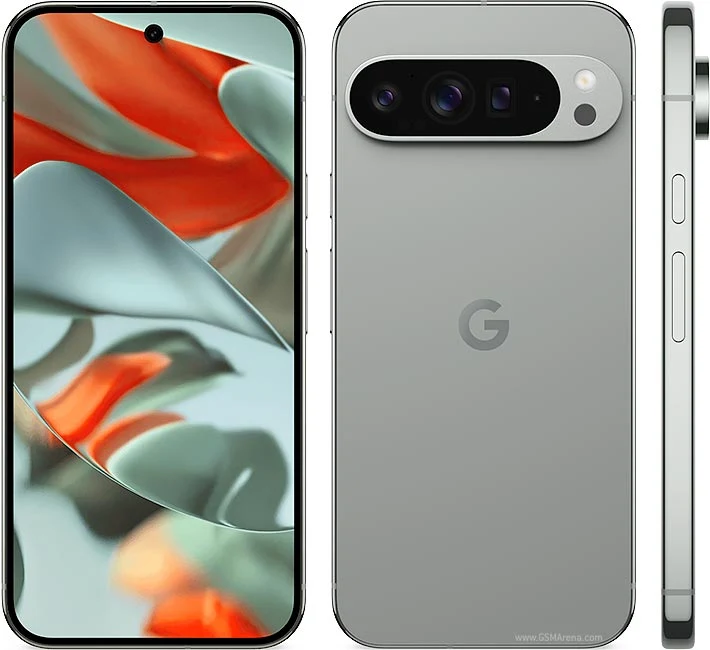
Google Pixel 9 Pro XL
• 4500 mAh •
Encountering a SIM Network Unlock PIN prompt or carrier subsidy lock dialog can abruptly halt your mobile connectivity. Whether you are transitioning an existing handset to competitive eSIM data plans or switching domestic service providers, understanding baseband-level carrier restrictions is vital. This guide delivers an engineering-grade troubleshooting protocol to diagnose, bypass, and resolve subsidy locks while safeguarding hardware integrity and asset value.
The Telephony Architecture: What Causes Subsidy Locks?
Modern smartphones maintain a secured persistent storage partition—frequently designated as the Non-Volatile (NV) RAM or EFS filesystem in Qualcomm and MediaTek architectures. Within this encrypted enclave resides the Carrier Lock Configuration, defined by 3GPP Technical Specification 22.022. This mechanism enforces device locking against five primary cryptographic categories:
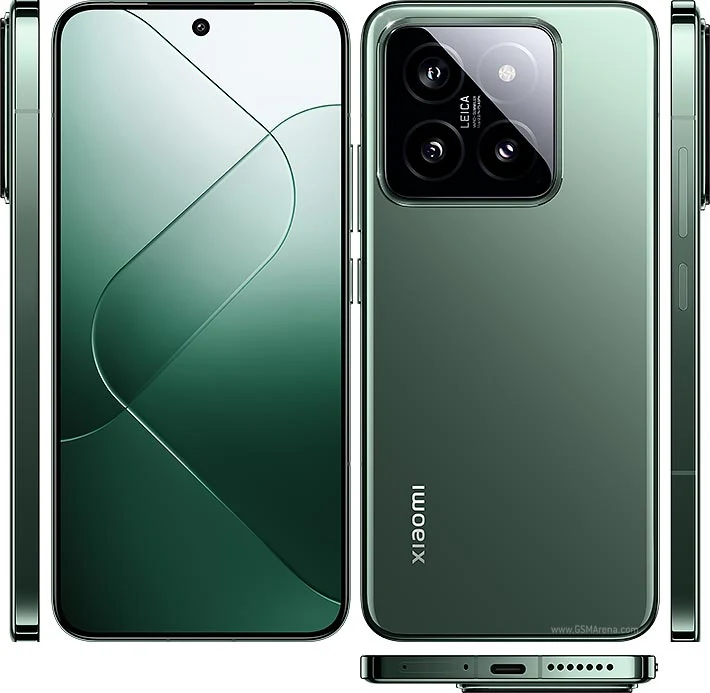
Xiaomi 14
8-16GB RAM, Snapdragon 8 Gen 3 • 4610 mAh • TAC: 35482910
- Network Lock (NCK): Binds the modem firmware strictly to an explicit Public Land Mobile Network (PLMN) identified by Mobile Country Code (MCC) and Mobile Network Code (MNC) tuples.
- Network Subset Lock (NSCK): Restricts operation to specific SIM profiles or regional subdivisions within a singular parent network.
- Service Provider Lock (SPCK): Confines baseband radio signaling to a virtual operator (MVNO) leasing wholesale radio infrastructure.
- Corporate Lock (CPCK): Enforces enterprise-level provisioning across designated corporate SIM subsets.
- Master Code Key (MCK / Defreeze): The fail-safe factory reset key required once the hardware counter for failed NCK attempts hits zero.
When you insert an unauthorized SIM card, the baseband processor interrogates the Integrated Circuit Card Identifier (ICCID) and International Mobile Subscriber Identity (IMSI). If the parameters fail cryptographic validation against the embedded NV configuration, the radio interface layer (RIL) halts transmission and throws the "SIM Network Unlock PIN" or "Network Subset Unlock PIN" barrier.
Pre-Troubleshooting Diagnostics: Verifying a Clean IMEI
Before attempting any manual software bypass or requesting a subsidy release, you must establish whether the device is legally and contractually eligible. A carrier will instantly reject a carrier unlock request if the underlying hardware is associated with defaulted smartphone financing or flagged within the global GSMA Central Equipment Identity Register (EIR).
Prior to submitting an unlock application, verify that your device holds a verifiable, clean IMEI. Devices reported lost, stolen, or flagged under fraudulent mobile device insurance claims enter a global blacklist. An IMEI present on the EIR blacklist cannot be unlocked by any commercial or consumer method, as basebands are systematically barred from registering on cellular towers worldwide.

Apple iPhone 16 Pro Max
6.9", 1320x2868 pixels • 4685 mAh Batarya • 5G NR Band 20 / n78 Sertifikalı
Financial Mathematics: Carrier Subsidy vs. Resale Valuation
Carriers offer device subsidies by amortizing equipment costs across multi-year contracts. Terminating or unlocking these agreements requires analyzing the net financial impact on your device's trade-in value:
- Original Equipment MSRP: $1,200 (amortized over 24 months at $50/month)
- Contract Term Elapsed: 10 months (Total Paid: $500)
- Remaining Financial Obligation: $1,200 - $500 = $700
- Current Unlocked Market Value: $780
- Current Carrier-Locked Market Value: $520
- Immediate Resale Arbitrage: $780 - $520 = +$260 value recovery upon legitimate carrier unlock
Step-by-Step Troubleshooting for Common Unlock Errors
Scenario A: "SIM Network Unlock PIN" Prompt Displayed
This standard challenge window signifies that the hardware counter is intact (typically allowing between 3 and 10 attempts). Do not guess the code. Arbitrary entries will irrevocably burn internal tamper fuses or permanently decrement the modem attempts counter to zero.
- Obtain the device's 15-digit identifier by dialing
*#06#on the physical dialer. Verify the syntax using an official lookup service. - Contact the originating service provider's tier-2 technical support or access their self-service web portal.
- Provide proof of device payoff. If the handset is on an installment billing agreement, request an early settlement calculation.
- Enter the carrier-supplied 8-digit or 16-digit NCK string when prompted. If accepted, the device will display "Network Unlock Successful."
Scenario B: "SIM Network PIN Blocked. Enter SIM Network PUK" (Hard Lock)
This error denotes a baseband freeze state caused by exceeding maximum NCK attempts. The modem firmware has rejected regular NCK entry and requires an MCK (Master Control Key) de-freeze payload before any new network credentials can be evaluated.
| Error Condition | Baseband State | Required Key Entry | Remediation Action |
|---|---|---|---|
| Network Unlock PIN | NCK Enabled (Attempts > 0) | NCK (Network Code) | Input carrier-supplied NCK code |
| Network PIN Blocked | Freeze State (Attempts = 0) | MCK then NCK | Carrier tier-3 escalation for MCK de-freeze |
| Invalid SIM / Policy Failure | Device Policy Controller Lock | Over-the-Air (OTA) Signature | Cloud carrier profile update via Wi-Fi |
| Blacklisted / Barred | GSMA Central DB Flag | None (Terminal Lock) | Resolve debt/fraud with underwriting entity |
Hardware Band Optimization and Spectrum Compatibility
Executing a successful unlock does not automatically ensure high-performance data connectivity on an alternate provider. Modern RF front-end architectures utilize discrete baseband power amplifiers, duplexers, and antenna tuners customized to specific regional or carrier requirements.
Always verify operational frequency support via the 4G/5G Frequency Compatibility Checker before changing operators. For example, moving a device originally provisioned for mmWave (Band n258/n260/n261) to a carrier heavily reliant on mid-band C-Band (Band n77/n78) or sub-GHz Low-Band spectrum (such as Band n71 or LTE Band 20) may result in severe signal degradation if the baseband lacks hardware-level filtering for those frequency blocks.
Preventing Fraud in the Secondary Marketplace
When purchasing unlocked equipment on secondary exchanges, ensure the device is completely released from carrier underwriting agreements. Sellers may occasionally finance an expensive flagship, unlock it via temporary overseas exploit channels, sell the unit at full market price, and subsequently stop payment—triggering a remote administrative freeze and catastrophic reduction in residual device value.