Fix Green Bubble MMS and Group Messaging Errors on International Travel eSIMs
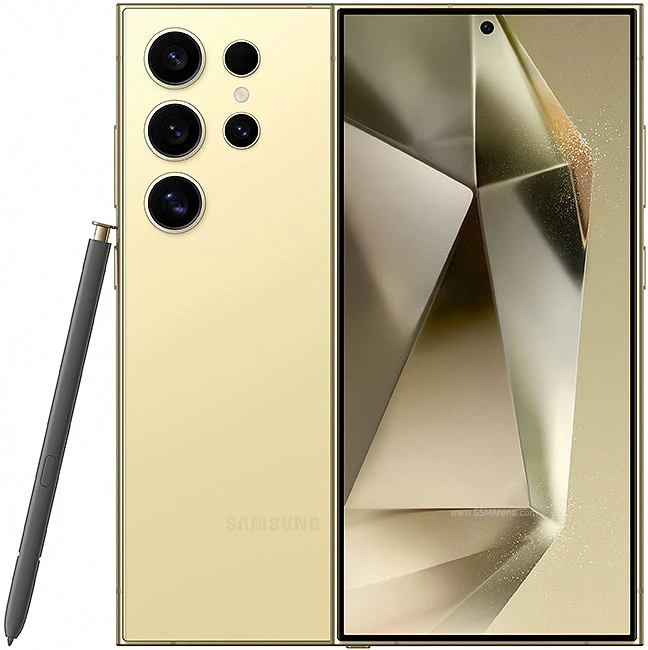
Samsung Galaxy S24 Ultra
12GB RAM, Snapdragon 8 Gen 3 (4 nm), Titanium frame • 5000 mAh • 6.8", 1440x3120 pixels, Dynamic LTPO AMOLED 2X, 120Hz
You land in London, Tokyo, or Frankfurt, activate a secondary local data eSIM, and notice your data runs flawlessly. Yet suddenly, your group chats with Android users stall, and green bubble MMS texts return frustrating “Not Delivered” alerts. While peer-to-peer iMessages (blue bubbles) effortlessly route through any active IP data pipe, standard Multimedia Messaging Service (MMS) relies on legacy carrier-specific cellular protocols tied to your home SIM. Here is a definitive, telecom-grade guide to resolving MMS and group messaging errors while traveling internationally with a secondary data eSIM.
The Architectural Root Cause: Why Green Bubble MMS Fails Abroad
To diagnose the issue, one must understand how modern Dual SIM Dual Standby (DSDS) handsets handle cellular packets. When you travel abroad and configure your device to route mobile data strictly through a secondary travel profile, your device terminates the Packet Data Protocol (PDP) context on your primary home line.

OnePlus 12
• 4500 mAh • TAC: 35167824
- SMS (Short Message Service): Transmits over the legacy SS7/Diameter signaling plane. It requires only standard 2G/3G/LTE base station registration and functions as long as your home carrier line registers on a roaming roaming partner.
- MMS (Multimedia Messaging Service) & Group Chats: Do not route via traditional SMS signaling. Instead, MMS encapsulates audio, images, and multi-recipient group threads into an HTTP/WAP payload pushed to your home carrier's Multimedia Messaging Service Center (MMSC).
- The Routing Disconnect: Because your handset routes all general IP traffic over the secondary travel profile, it attempts to resolve your home carrier's private MMSC URL over the travel eSIM’s data path. The foreign carrier's gateway cannot route to your home carrier's internal MMS proxy, causing immediate delivery timeouts.
Before adjusting internal software switches, ensure your hardware is fully compatible with foreign infrastructure by running your model through our 4G/5G Frequency Compatibility Checker.
Prerequisites: Carrier Unlock, Device Financing, and Clean IMEI Status
To use dual SIM profiles simultaneously, your smartphone must possess an authorized carrier unlock. Devices purchased under long-term smartphone financing contracts often feature firmware-level network locks that forbid the activation of competitive international eSIM data plans alongside the primary subscriber profile.
If you acquired your device on the secondary market to preserve the high trade-in value of your primary phone while traveling, always verify that the hardware carries a verified clean IMEI before departure. Devices flagged for non-payment or insurance fraud can be audited using our Stolen & Blacklist Checker to avoid sudden baseband lockouts while abroad.
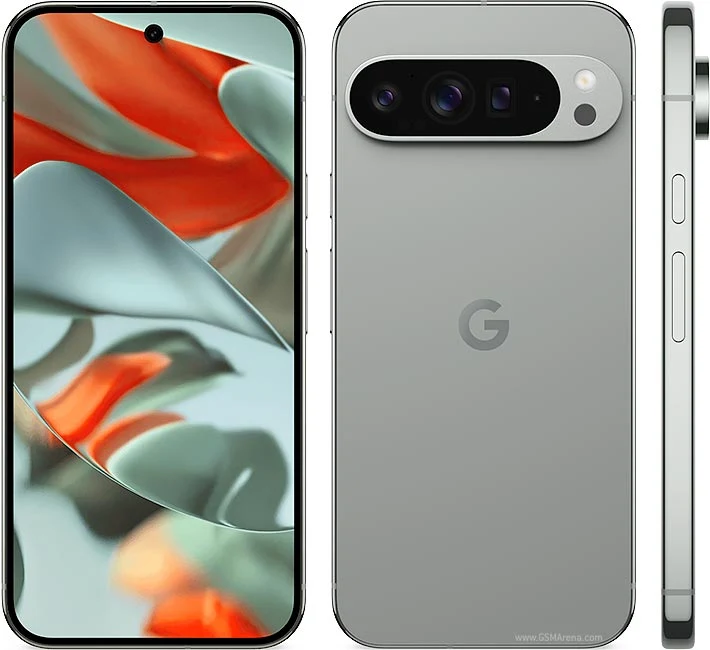
Google Pixel 9 Pro XL
• 4500 mAh Batarya • 5G NR Band 20 / n78 Sertifikalı
Step-by-Step Fixes for iOS and Android
Fix 1: Enable “Wi-Fi Calling” Over Cellular Data (Backup Calling)
Modern operating systems (iOS 13+ and Android 12+) support IMS cross-SIM calling, commonly referred to as “Backup Calling.” This protocol tunnels your primary carrier's voice and MMS signaling over the secondary travel eSIM's data connection using an IPsec tunnel, mimicking a standard Wi-Fi network.
- iOS (iPhone): Navigate to Settings > Cellular (or Mobile Data). Select your Primary Line. Ensure Wi-Fi Calling is toggled ON. Next, return to Cellular, tap Cellular Data, select your Travel eSIM, and toggle Allow Cellular Data Switching to OFF. If your home carrier does not support roaming, the status bar will display “[Home Carrier] using Cellular Data”, routing green bubble MMS securely over the travel data connection.
- Android (Pixel/Galaxy): Navigate to Settings > Network & Internet > SIMs. Tap your primary carrier and toggle Backup Calling or Auto Data Switching. This bridges the MMSC gateway through the active data pipe.
Fix 2: Configure Secondary APN Settings for MMS
If your primary carrier charges exorbitant fees for international data, ensure your primary line’s Data Roaming toggle is switched OFF, but leave the voice line active. On unlocked Android devices, inspect your APN entries under Access Point Names. Ensure the MMS APN parameters (MMSC, MMS Proxy, and MMS Port) remain pointed to your home carrier's original APN rather than being overwritten by the travel eSIM profile.
| Configuration Step | Apple iOS Action | Android OS Action |
|---|---|---|
| Default Voice Line | Set to Primary SIM | Set to Primary SIM |
| Mobile Data Routing | Set to Travel eSIM | Set to Travel eSIM |
| Cross-SIM Tunnelling | Wi-Fi Calling > On (Primary Line) | Backup Calling > Active |
| Data Roaming Switch | Primary: OFF / eSIM: ON | Primary: OFF / eSIM: ON |
Financial Trade-offs: Daily Roaming vs. Local eSIM Architecture
Understanding these networking mechanics translates directly to consumer savings. Major Tier-1 domestic carriers charge between $10 and $12 per day for international day passes. Over a 21-day itinerary, relying on automated roaming costs approximately $210 to $252 per line. Conversely, a standalone regional data eSIM typically costs between $15 and $30 for 10 GB of data over the same timeframe.
Before traveling, model your expected cellular expenditure with our Travel eSIM & Roaming Calculator to evaluate potential savings. Furthermore, verify whether your comprehensive mobile device insurance covers international liquid damage, theft, or baseband transceiver failures while traveling abroad, as standard warranty programs frequently exclude out-of-region hardware service.
Final Verification and Diagnostic Flow
To confirm your adjustments work before boarding:
- Send a high-resolution image to an Android contact or a mixed-OS group text.
- Confirm that the message routes as an MMS rather than failing instantly with a red exclamation point.
- Verify that your carrier account statement does not incur roaming cellular data increments on your primary number.
For more deep-dive hardware diagnostics and telecommunications guides, explore our full library of Hardware & Telecom Guides.
Frequently Asked Questions
Why do my iMessages work over the travel eSIM, but green bubble texts and group chats fail? ▼
iMessage is an end-to-end proprietary Apple IP service that routes over any active internet connection, including secondary travel eSIMs. In contrast, standard SMS/MMS requires access to your home carrier's signaling network and Multimedia Messaging Service Center (MMSC). When your phone switches mobile data exclusively to a secondary travel eSIM, it disconnects from your primary carrier's data path, preventing MMS packets from reaching the MMSC.
Can I fix MMS messaging errors if my phone is locked to a carrier? ▼
No. If your handset is restricted under carrier financing or lacks an authorized carrier unlock, you will not be able to install or run a secondary third-party travel eSIM alongside your primary SIM. The phone must be fully unlocked by your carrier to operate in Dual SIM Dual Standby mode.
Will enabling Data Roaming on my primary SIM fix MMS errors? ▼
Yes, turning on Data Roaming on your primary SIM will allow it to connect to foreign partner networks and transmit MMS data to your home MMSC. However, this often triggers expensive daily international roaming charges ($10 to $12 per day) from your home provider.
What is 'Backup Calling' and how does it resolve MMS errors abroad? ▼
'Backup Calling' (or Wi-Fi Calling over Cellular Data) allows your smartphone to treat the secondary travel eSIM's data connection as a Wi-Fi hotspot. This establishes an encrypted IPsec tunnel back to your home carrier's core network, letting you send and receive voice calls, SMS, and MMS without paying international roaming fees.