Prevent WhatsApp Activation Locks on Data-Only Travel eSIMs: Complete Engineering & Financial Guide
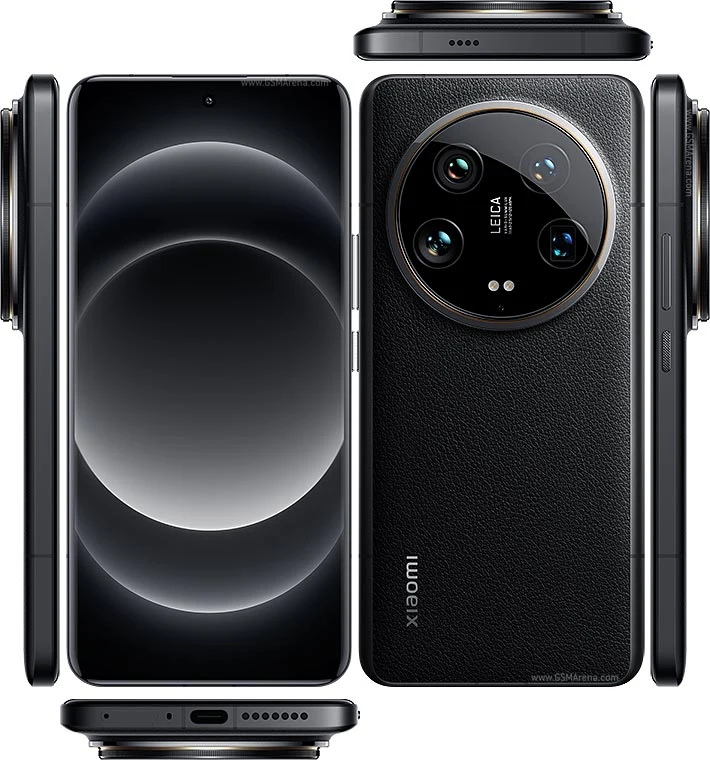
Xiaomi 14 Ultra
• 4500 mAh •
For international executives, digital nomads, and frequent travelers, WhatsApp represents far more than an instant messaging client; it functions as an enterprise communication hub, two-factor authentication (2FA) gateway, and mission-critical contact repository. However, deploying modern eSIM data plans overseas frequently triggers unexpected WhatsApp activation locks, re-verification prompts, and temporary account blackouts. Understanding the underlying telecom handshake, baseband switching mechanisms, and dual-SIM device management is essential to maintaining continuous session continuity without risking access to your digital identity.
The Mechanics of WhatsApp Verification vs. Data-Only Travel eSIMs
WhatsApp registers cryptographic user keys to a specific international public telecommunication number standardized under the ITU-T E.164 format. During primary provisioning, the application initiates an Application-to-Person (A2P) SMS or an automated voice call over the Public Switched Telephone Network (PSTN) to deliver a 6-digit one-time password (OTP). Once validated, the device generates a local session token stored in persistent application memory, allowing messaging over any standard TCP/IP packet-switched network.

Apple iPhone 16 Pro Max
8GB RAM, Apple A18 Pro • 4685 mAh • TAC: 35987116
The vulnerability emerges when an overseas traveler swaps SIM cards or improperly provisions a data-only travel eSIM. Travel eSIM providers typically issue roaming profiles using data-only International Mobile Subscriber Identities (IMSIs) routed through overseas packet gateways (such as APNs based in Austria, Hong Kong, or Poland). Because these travel profiles lack an allocated Mobile Station International Subscriber Directory Number (MSISDN) capable of terminating inbound A2P SMS traffic, triggering a re-verification check abroad will trap the subscriber behind an insurmountable activation lock.
Device Prerequisites: Carrier Unlock, Smartphone Financing, and Clean IMEI Audits
Before attempting to configure multi-IMSI environments or travel profiles, travelers must verify their hardware architecture. A device subject to active smartphone financing through a domestic carrier often features a firmware-level SIM lock. In this locked state, the baseband processor will reject non-native embedded profile handshakes, rendering external data lines completely non-functional.
To prevent terminal failures at international customs gates, run an audit through the IMEI Validator to confirm a verifiable, clean IMEI status free of billing encumbrances or loss reports. If you acquired your device via secondary channels, executing a formal review via the 2nd Hand Bill of Sale generator guarantees clear provenance. Completing a full carrier unlock is mandatory before boarding, as software-locked modems cannot execute secondary baseband registration on remote foreign cell towers.
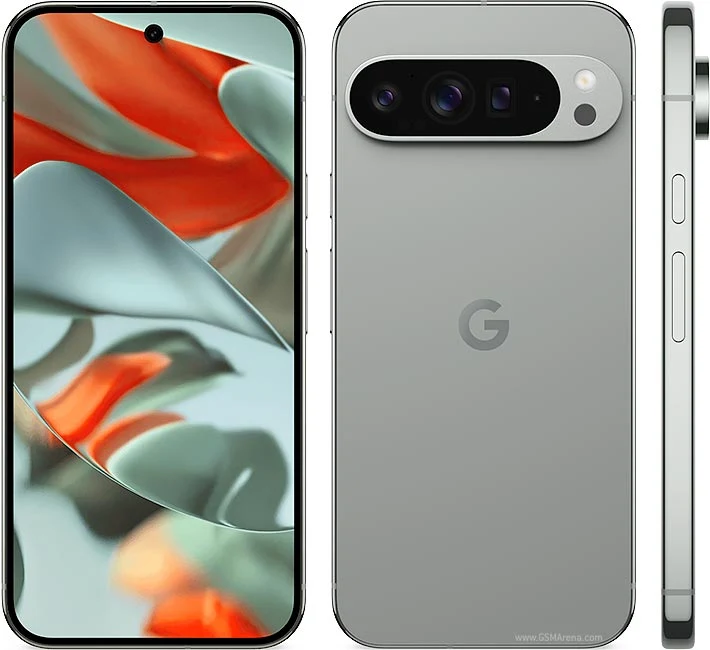
Google Pixel 9 Pro XL
• 4500 mAh Batarya • 5G NR Band 20 / n78 Sertifikalı
Hardware Architecture: Dual SIM Dual Standby (DSDS) Configuration
Modern flagship smartphones utilize Dual SIM Dual Standby (DSDS) architecture. In a DSDS system, two transceivers share baseband resources while idling on separate radio frequency links. To ensure WhatsApp does not trigger a false security panic when loading foreign networks, configure your device using the following baseband parameter guidelines:
- Primary Physical SIM / Primary eSIM (Home Network): Keep active. Toggle Data Roaming to OFF. This maintains your home IMSI registration for incoming voice and cellular SMS channels (which receive domestic 2FA texts free of roaming charges on most global operators) without burning through unmetered data packets.
- Secondary Travel eSIM (Roaming Network): Set as the designated Cellular Data / Mobile Data route. Toggle Data Roaming to ON to enable dynamic APN routing over regional partner towers.
- Cellular Data Switching: Ensure "Allow Cellular Data Switching" (iOS) or "Auto Data Switching" (Android) is toggled OFF to stop background telemetry leaks onto your home provider's high-rate roaming tariffs.
Always verify modem band support before departure using the 4G/5G Frequency Compatibility Checker. Discrepancies between North American sub-6GHz allocations (such as n71/Band 12) and European/Asian spectrums (such as Band 20 or n78) can impair low-band transmission, forcing the phone into edge coverage and prompting OS-level communication resets.
Financial Analysis: Legacy Roaming vs. Standalone Travel eSIMs
The financial exposure of mishandling cellular data overseas goes beyond standard carrier pricing. Choosing high-cost carrier day passes can erode travel budgets, while physical SIM swaps risk mechanical damage to card slots, undermining future device trade-in value and complicating claims under premium mobile device insurance policies.
| Provisioning Method | 14-Day Baseline Cost | WhatsApp Re-Auth Risk | Hardware Integrity Impact |
|---|---|---|---|
| Carrier Daily Roaming Pass ($12/day) | $168.00 | Zero (Native IMSI maintained) | Preserves tray assembly |
| Local Physical Plastic SIM Swap | $25.00 | Severe (Hardware SIM eviction forces prompt) | Pin-tray wear; potential liquid-seal breach |
| Data-Only Travel eSIM (Optimized DSDS) | $18.50 | Zero (When software prompts are bypassed) | No mechanical contact wear; 100% digital |
Calculate targeted operational savings across regional jurisdictions using the interactive Travel eSIM & Roaming Calculator to align your specific packet consumption parameters with wholesale roaming rates.
Core Engineering Checklist: Preventing the WhatsApp Activation Trap
When loading an eSIM in a new destination, operating systems detect the insertion of a secondary profile. WhatsApp reads these system broadcasts. Follow this exact workflow to preserve account continuity:
- Never Accept the "Update Phone Number" Modal: When your device mounts the roaming profile, WhatsApp or the OS may present an opportunistic dialog: "A new SIM has been detected. Would you like to update your WhatsApp phone number?" Always tap "Keep Existing Number" or dismiss the prompt. Tapping "Update" locks the software into requesting an SMS through the data-only line—an inbound message path that does not exist.
- Activate WhatsApp Two-Step Verification: Open WhatsApp Settings → Account → Two-Step Verification. Establish a 6-digit cryptographic PIN and associate an authoritative recovery email address. If WhatsApp flags an anomalous network hop caused by a foreign APN address, the client allows authentication fallback via this local PIN instead of triggering an emergency network A2P SMS challenge.
- Maintain Wi-Fi Calling on Primary Network: If your home operator supports VoWiFi (Voice over Wi-Fi), your primary SIM can bridge back home through the secondary eSIM's data tunnel (known on modern iPhones as "Cellular Data Switching Wi-Fi Calling" or "Backup Calling" on Android). This setup enables inbound SMS reception anywhere globally without incurring international roaming fees.
Summary and Best Practices
Managing your smartphone's dual-SIM capability requires balancing software token storage with baseband hardware functions. By preserving your primary IMSI line in standby mode, establishing zero-tolerance data roaming blocks on the home carrier, enforcing secondary eSIM data paths, and securing local two-factor PIN controls, you eliminate the risk of WhatsApp activation lockouts. This systematic framework keeps your global messaging footprint secure, cost-effective, and fully operational across every international border.